Codex mcp
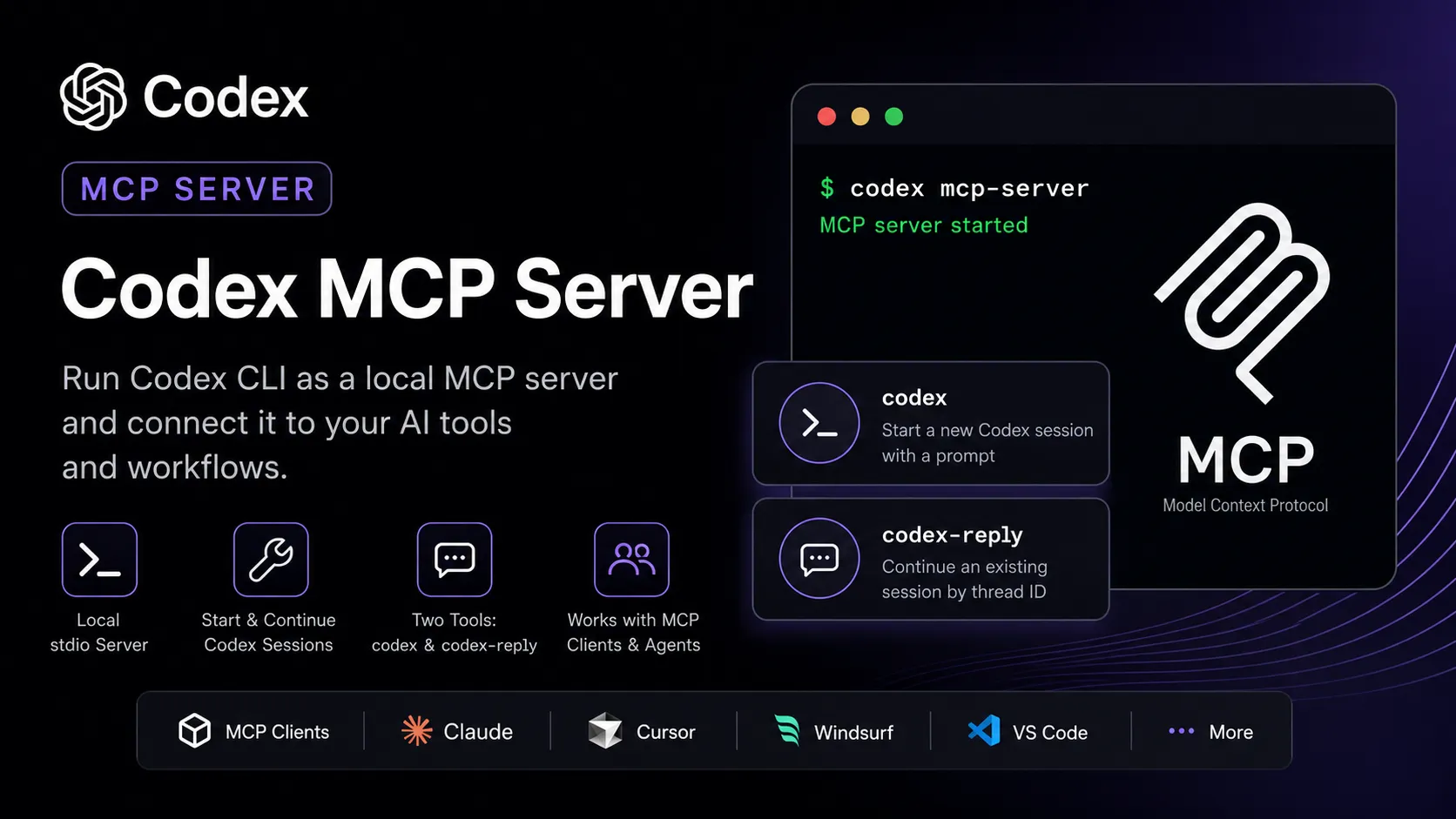
Codex MCP Server is the MCP server mode of OpenAI Codex CLI. It lets MCP clients run and continue Codex coding sessions through a local stdio server.
About
Codex MCP Server refers to the MCP server mode built into OpenAI Codex CLI. OpenAI documents that Codex can run as an MCP server and connect to other MCP clients, including workflows built with the OpenAI Agents SDK.
Key Features
- Runs Codex CLI as a local MCP server with the documented command
codex mcp-server. - Uses stdio transport when launched through the OpenAI Agents SDK
MCPServerStdioexample. - Exposes two documented tools:
codexfor starting a Codex session andcodex-replyfor continuing an existing session by thread ID. - The
codextool accepts parameters such as prompt, approval policy, base instructions, config overrides, cwd, plan-tool inclusion, model, profile, and sandbox mode. - The
codex-replytool accepts a prompt and threadId to continue an existing conversation.
Use Cases
- Build multi-agent software-development workflows where another agent delegates implementation work to Codex.
- Run Codex as a long-lived local coding worker that can create files, modify code, and continue prior threads.
- Test Codex MCP behavior with the Model Context Protocol Inspector before integrating it into an agent workflow.
Compatibility
OpenAI documents an Agents SDK workflow using MCPServerStdio with command: codex and args: ["mcp-server"]. The docs also say Codex can connect from other MCP clients, but they do not publish separate Claude Desktop, Claude Code, Cursor, Windsurf, VS Code, Lovable, or Codex-client configuration blocks for this MCP server page.
Limitations
Codex MCP Server requires Codex CLI to be installed and authenticated locally. OpenAI's public MCP server guide documents local stdio usage; it does not document a hosted HTTP, SSE, or WebSocket endpoint for Codex MCP Server. Access depends on Codex availability in the user's ChatGPT plan or API-key setup.
Sources
- OpenAI Codex Agents SDK guide: https://developers.openai.com/codex/guides/agents-sdk
- OpenAI Codex CLI docs: https://developers.openai.com/codex/cli
- OpenAI Codex MCP docs: https://developers.openai.com/codex/mcp
- OpenAI Codex GitHub repository: https://github.com/openai/codex
MCP Setup
Prerequisites
- Codex CLI installed locally so the
codexcommand is available - Codex CLI authenticated with a ChatGPT account or API key
- Python 3.10+ with pip for the documented OpenAI Agents SDK workflow
- Node.js 18+ only if using the Model Context Protocol Inspector example
Access requirements
- ChatGPT Plus, Pro, Business, Edu, and Enterprise plans include Codex according to the OpenAI Codex CLI docs
- The documented Agents SDK workflow uses an OpenAI API key stored locally
Companion app or plugin
Name: OpenAI Codex CLI Install URL: https://developers.openai.com/codex/cli
- Install Codex CLI using one of the official Codex CLI install methods.
- Run
codexin a terminal. - Authenticate with a ChatGPT account or API key.
- Start MCP server mode with
codex mcp-serverfrom a compatible MCP host or workflow.
Codex MCP Server is not documented as a separately hosted service or separate npm MCP package in OpenAI's official docs. It is a server mode of the locally installed Codex CLI.
Client setup
Other
Transport: stdio
codex mcp-server
- Install and authenticate Codex CLI.
- Launch the local MCP server with
codex mcp-serverfrom an MCP-compatible client or workflow. - For the OpenAI Agents SDK, create an
MCPServerStdioinstance with commandcodexand args["mcp-server"].
Auth:
- Run
codexonce and authenticate with a ChatGPT account or API key before using the MCP server mode.
OpenAI documents this setup for other MCP clients and the OpenAI Agents SDK. Exact public setup blocks for Claude Code, Claude Desktop, Cursor, Codex as a client, Windsurf, VS Code, and Lovable are not documented on the official Codex MCP server guide.
Other
Transport: stdio
npx @modelcontextprotocol/inspector codex mcp-server
- Install and authenticate Codex CLI.
- Run the documented MCP Inspector command to launch and inspect Codex MCP Server.
- Send a
tools/listrequest to verify the exposedcodexandcodex-replytools.
Auth:
- Run
codexonce and authenticate with a ChatGPT account or API key before testing with the MCP Inspector.
This is the documented Model Context Protocol Inspector test command from the OpenAI Agents SDK guide, not a production client configuration.
Authorization flow
- Install Codex CLI.
- Run
codexin a terminal. - Sign in with a ChatGPT account or provide an API key when prompted.
- For the Agents SDK workflow, store an OpenAI API key locally as documented by OpenAI.
Environment variables
[object Object][object Object]
Setup docs: https://developers.openai.com/codex/guides/agents-sdk
Tags
Alternatives
Comparable tools and resources explicitly connected to Codex mcp.
Related Entries
Keep exploring similar tools and resources in this category.






Related Reads
Background, tutorials, and protocol context connected to this entry.