
viewmax mcp
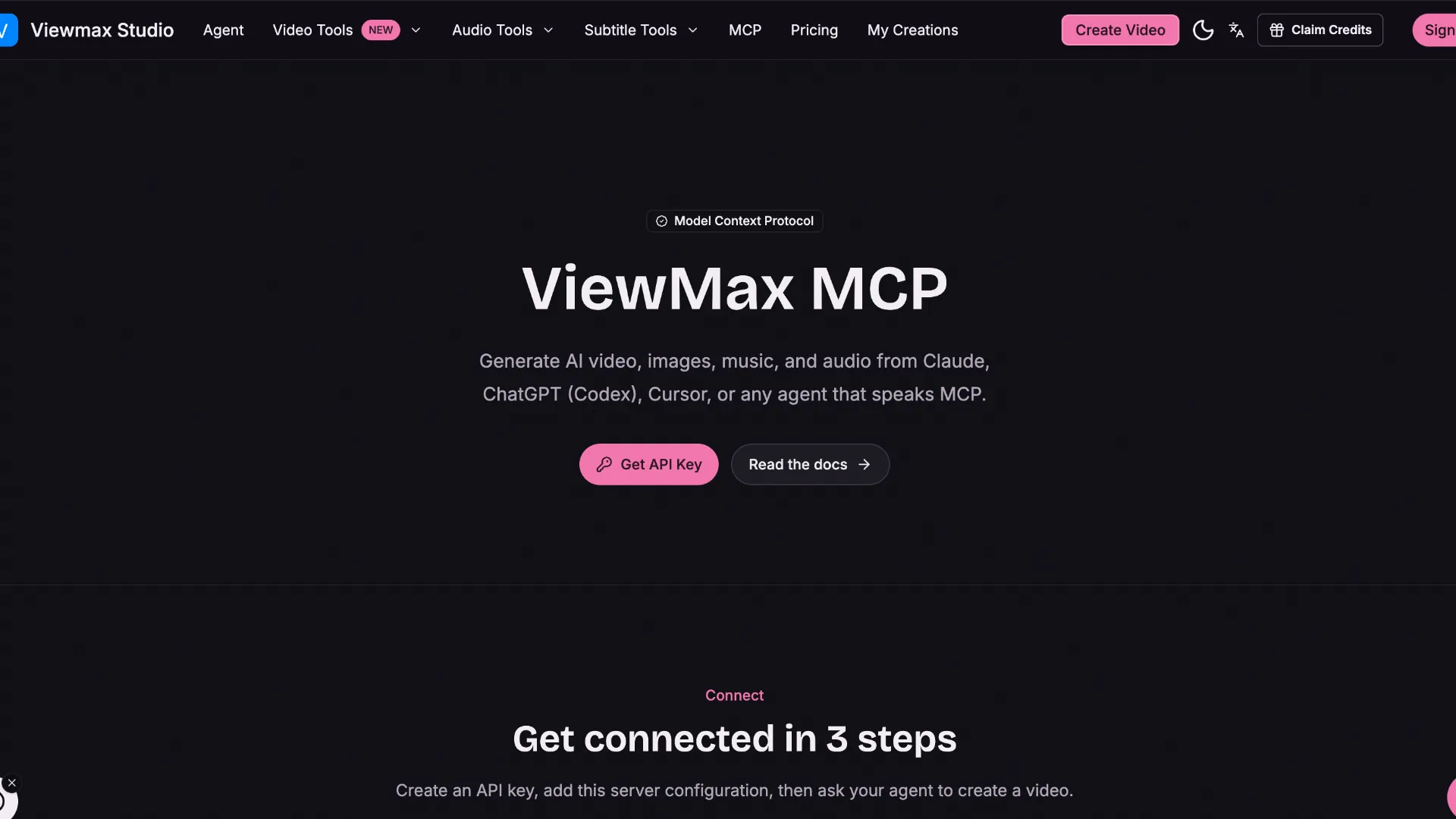
ViewMax MCP is a hosted Streamable HTTP MCP server for generating AI video, images, music, speech, and sound effects, with tools for model discovery, task polling, and credit checks. Official setup is documented for Claude Web/Desktop, Claude Code, Cursor, Codex, and SDK clients.
About
ViewMax MCP is the hosted MCP endpoint for ViewMax Studio. It exposes 14 documented tools for model discovery, AI media generation, task polling, and account credit inspection.
Key Features
- Video tools:
list_video_models,get_video_model, andgenerate_video. - Image tools:
list_image_models,get_image_model, andgenerate_image. - Music and audio tools:
list_music_models,generate_music,list_voices,generate_speech, andgenerate_sound_effect. - Task and account tools:
get_task,wait_for_task, andget_credits. - Model discovery tools expose capabilities and credit information before a generation request is submitted.
Use Cases
- Generate videos or images from an MCP-capable coding assistant or agent.
- Add music, text-to-speech, or sound-effect generation to agent workflows.
- Inspect available media models and their documented capabilities before choosing one.
- Poll asynchronous media-generation jobs and retrieve completed output URLs.
Compatibility
The server is hosted and uses Streamable HTTP. Official setup material covers Claude Web/Desktop, Claude Code, Cursor, Codex, and generic SDK clients.
Limitations
- Most generation operations consume ViewMax credits; the documentation recommends inspecting model cost before calling a billable
generate_*tool. - Video and image generation can be asynchronous and may require
wait_for_taskorget_taskpolling. - Exact public setup for Windsurf, VS Code, and Lovable was not found in the official setup material checked on 2026-08-27.
- A different Viewmax MCP endpoint also exists at https://www.viewmax.io/api/mcp. This directory entry specifically tracks the ViewMax Studio server at https://viewmax.studio/api/mcp registered as
io.github.bytevirts/viewmax; the two endpoints should not be interchanged.
Sources
- Official MCP page: https://viewmax.studio/mcp
- MCP documentation: https://viewmax.studio/docs/mcp
- GitHub repository: https://github.com/bytevirts/viewmax-mcp
- MCP server manifest: https://github.com/bytevirts/viewmax-mcp/blob/main/server.json
- Smithery listing: https://smithery.ai/servers/bytevirts/viewmax
MCP Setup
Prerequisites
- ViewMax account
- An MCP client that can connect to a remote Streamable HTTP server
- Available ViewMax credits for generation operations that are billed in credits
Access requirements
- Claude Web/Desktop can authenticate with ViewMax OAuth; no API key is required for that connector flow.
- Claude Code, Cursor, Codex, and SDK clients can authenticate with a ViewMax API key sent as an Authorization Bearer header.
- Create API keys in ViewMax Settings > API Keys.
Companion app or plugin
No local companion app is required for the hosted MCP server.
Client setup
Claude Desktop
Transport: streamable-http
- Open Settings > Connectors > Add custom connector.
- Name the connector ViewMax and use https://viewmax.studio/api/mcp as the server URL.
- Click Connect.
Auth:
- Sign in with the ViewMax account when the OAuth flow opens.
The same OAuth connector flow is documented for claude.ai. No API key is required.
Claude Code
Transport: streamable-http
claude mcp add --transport http viewmax https://viewmax.studio/api/mcp --header "Authorization: Bearer YOUR_API_KEY"
- Create a ViewMax API key.
- Run the documented Claude CLI command with YOUR_API_KEY replaced by the key.
Cursor
Transport: streamable-http
{
  "mcpServers": {
    "viewmax": {
      "url": "https://viewmax.studio/api/mcp",
      "headers": {
        "Authorization": "Bearer YOUR_API_KEY"
      }
    }
  }
}
- Create a ViewMax API key.
- Add the documented configuration to ~/.cursor/mcp.json.
Codex
Transport: streamable-http
codex mcp add viewmax --url https://viewmax.studio/api/mcp --bearer-token-env-var VIEWMAX_API_KEY
- Create a ViewMax API key.
- Set the VIEWMAX_API_KEY environment variable to that key.
- Run the documented Codex MCP add command.
Windsurf
Exact public setup is not documented in the official ViewMax MCP setup material checked on 2026-08-27.
VS Code
Exact public setup is not documented in the official ViewMax MCP setup material checked on 2026-08-27.
Lovable
Exact public setup is not documented in the official ViewMax MCP setup material checked on 2026-08-27.
Other
Transport: streamable-http
Auth:
- For SDK clients, send Authorization: Bearer YOUR_API_KEY to https://viewmax.studio/api/mcp.
Official documentation states API-key authentication is supported for SDKs, but client-specific commands are not documented.
Authorization flow
- Claude Web/Desktop: add the remote connector, click Connect, and sign in with a ViewMax account through OAuth.
- Claude Code, Cursor, Codex, and SDK clients: create a ViewMax API key and use it as a Bearer token.
Environment variables
VIEWMAX_API_KEY
Setup docs: https://viewmax.studio/docs/mcp
Tags
Alternatives
Comparable tools and resources explicitly connected to viewmax mcp.
Related Entries
Keep exploring similar tools and resources in this category.

PaidSync.ai
MCP ServersPaidSync.ai is a hosted MCP server for paid advertising that exposes 610+ tools across 14 advertising, analytics, tagging, and commerce platforms. It supports read/write workflows from AI clients including ChatGPT, Claude, Gemini, Cursor, Claude Code, and Codex, with a free plan.

Hyper3D MCP
MCP ServersHyper3D MCP is Hyper3D's hosted Rodin MCP server for creating 3D assets from natural-language instructions or supported references, checking asynchronous generation progress, and retrieving model download links inside AI coding clients. Official setup is documented for Codex, Claude Code, and Kimi Code CLI.




Related Reads
Background, tutorials, and protocol context connected to this entry.

Was ist OmniShow? Das KI-Framework, das die Generierung von Human-Object-Interaction-Videos revolutioniert
Claude Response Incomplete? The Real Causes, Fixes, and Prevention Checklist