OpenCode Figma MCP
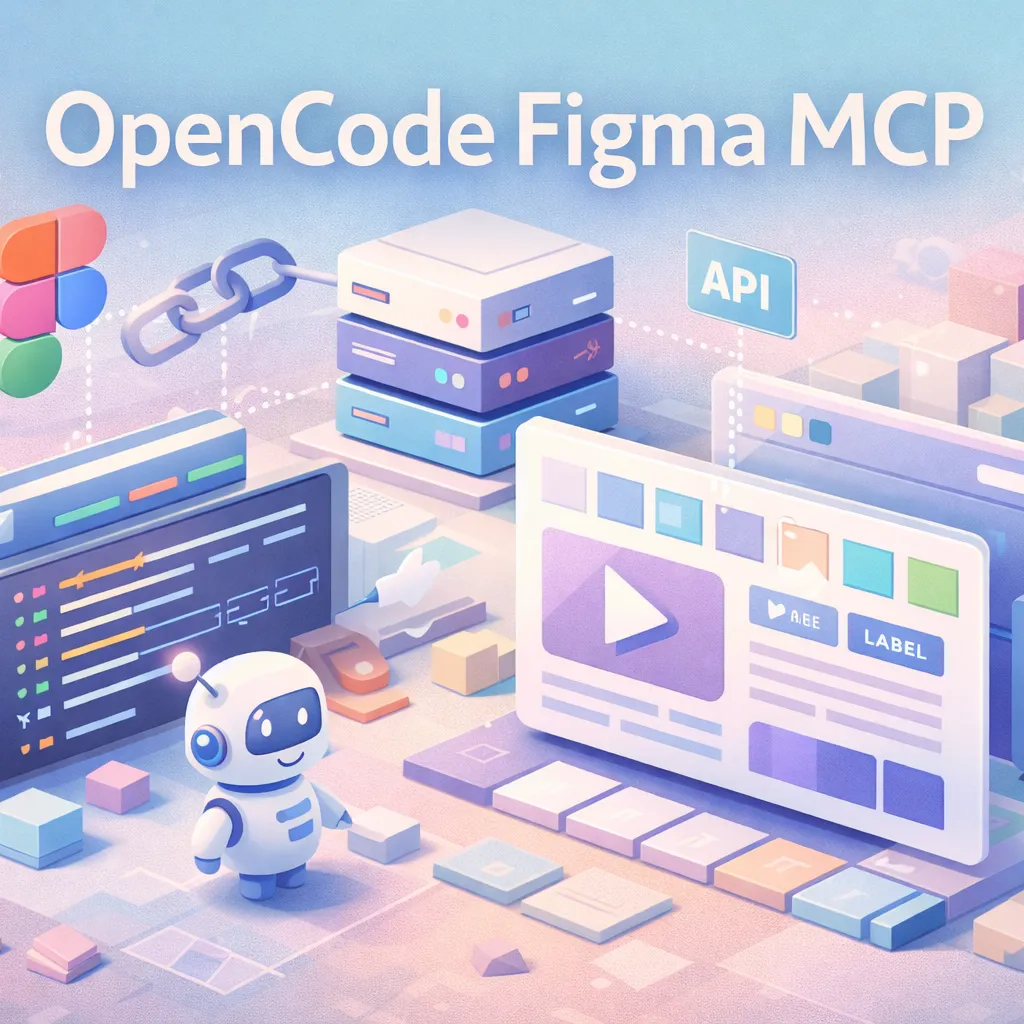
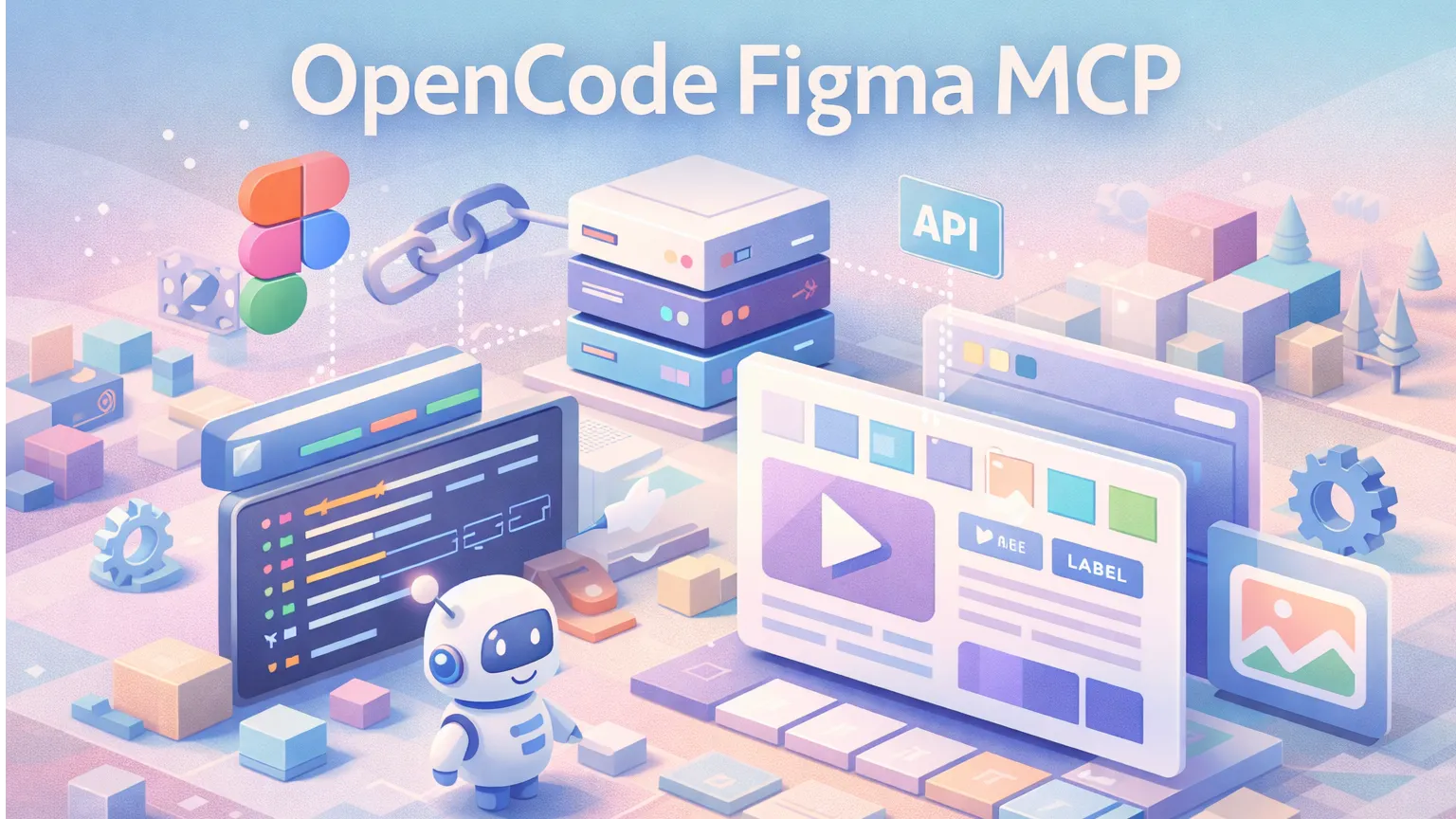
An MCP server that connects Figma to AI agents, enabling design-to-code workflows, asset extraction, and real-time UI automation.
Overview
OpenCode Figma MCP is a Model Context Protocol (MCP) server designed to bridge the gap between design and automation. It allows AI agents to directly interact with Figma files—reading layouts, extracting components, and turning visual designs into structured data that can be used for code generation or workflow automation.
Instead of manually inspecting designs or exporting assets, developers and AI agents can query Figma programmatically, making design systems accessible as machine-readable context.
Features
- 🎨 Figma Integration: Connect directly to Figma files and projects via API
- 🤖 MCP-Compatible: Works with MCP clients and agent frameworks
- 🧩 Component Extraction: Retrieve frames, layers, styles, and components
- 🖼️ Asset Access: Export images, icons, and design assets programmatically
- 🔍 Structured Queries: Ask for layout hierarchy, spacing, typography, and colors
- ⚡ Design-to-Code Ready: Feed structured design data into code generation pipelines
How It Works
- Connect to Figma API using a personal access token
- Run the MCP server locally or in your infrastructure
- Agents send queries via MCP (e.g., “get all buttons in this frame”)
- Server responds with structured design data
- Downstream tools use this data for code generation, testing, or UI automation
Use Cases
- 🧑💻 Design-to-Code Pipelines: Convert Figma layouts into React, Vue, or HTML components
- 🧪 UI Testing Automation: Extract selectors and layout info for automated tests
- 📚 Design System Analysis: Audit spacing, typography, and consistency across files
- 🤖 Autonomous Agents: Let AI agents understand and manipulate UI designs
- ⚙️ Workflow Automation: Sync design updates into development pipelines
Why It Matters
Design tools like Figma traditionally exist outside of developer workflows. OpenCode Figma MCP changes that by making design data queryable and actionable for AI systems.
This unlocks a new layer of automation—where agents don’t just read code, but also understand the visual structure behind it.
Getting Started
- Clone the repository from GitHub
- Set your Figma API token
- Configure your MCP client to connect to the server
- Start querying design data through your AI agent
Limitations
- Requires Figma API access and proper permissions
- Performance depends on file size and API rate limits
- Mapping design to production-ready code still requires additional logic
Conclusion
OpenCode Figma MCP is a powerful bridge between design and AI-driven development. By exposing Figma as structured context, it enables a new generation of tools and agents that can reason about UI—not just generate it.
Tags
Related Entries
Keep exploring similar tools and resources in this category.


PaidSync.ai
MCP ServersPaidSync.ai is a hosted MCP server for paid advertising that exposes 610+ tools across 14 advertising, analytics, tagging, and commerce platforms. It supports read/write workflows from AI clients including ChatGPT, Claude, Gemini, Cursor, Claude Code, and Codex, with a free plan.

Hyper3D MCP
MCP ServersHyper3D MCP is Hyper3D's hosted Rodin MCP server for creating 3D assets from natural-language instructions or supported references, checking asynchronous generation progress, and retrieving model download links inside AI coding clients. Official setup is documented for Codex, Claude Code, and Kimi Code CLI.



Related Reads
Background, tutorials, and protocol context connected to this entry.