Bright Data MCP
Official Web MCP server from Bright Data that gives AI agents real-time, unblocked access to web search, scraping, navigation, and structured data extraction powered by the world's #1 web data platform.
Overview
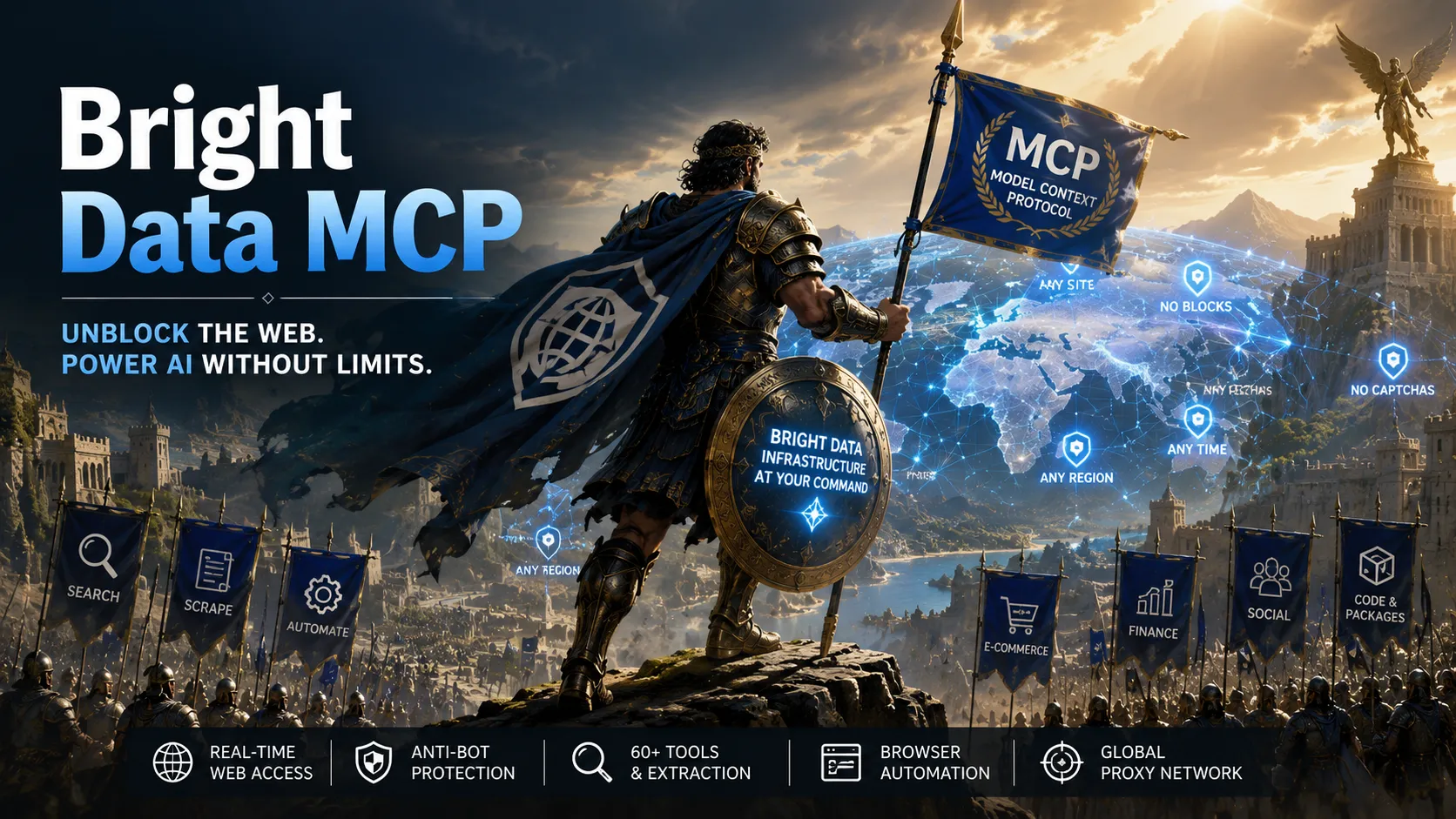
The Web MCP by Bright Data is the official Model Context Protocol (MCP) server that provides an all-in-one solution for public web access. It enables LLMs, AI agents, and apps to search the web in real-time, extract data from any website, navigate and interact with pages – without getting blocked, rate-limited, or served CAPTCHAs.
Powered by Bright Data’s global proxy network and scraping infrastructure.
Features
- Real-time web search with AI-optimized results and geo-targeting.
- Clean scraping to Markdown (including JavaScript-rendered pages).
- Browser automation and navigation (Pro mode).
- 60+ specialized tools for structured data extraction (e-commerce, social media, finance, code packages, etc.).
- AI-ranked discover search.
- Automatic anti-bot protection and proxy rotation.
- Tool groups and custom tool selection.
Modes
- Rapid Mode (default, free tier): Web search, scrape_as_markdown, discover tool. 5,000 requests/month.
- Pro Mode: All 60+ tools including browser control and web_data_* APIs (pay-as-you-go).
- Custom Mode: Whitelist specific tool groups or individual tools via environment variables.
Use Cases
- Real-time research and fact-checking agents.
- Competitor monitoring, price tracking, and lead generation.
- Autonomous browsing and form interaction.
- Structured data extraction from e-commerce, social, finance, and app stores.
- Up-to-date code/package intelligence (npm, PyPI).
MCP Setup
Prerequisites: Bright Data account required. Valid API token (Admin permissions recommended for automatic zone creation). Node.js for local/self-hosted runs.
Access Requirements: API token required (token-based authentication via environment variable or URL query parameter). No browser OAuth or sign-in.
Transport: HTTP (hosted endpoint) or stdio (via npx for CLI clients).
Docs URL: https://brightdata.com/ai/mcp-server, https://github.com/brightdata/brightdata-mcp, https://brightdata.com/blog/ai/claude-code-web-mcp
Hosted Option (no install):
https://mcp.brightdata.com/mcp?token=YOUR_API_TOKEN_HERE
Local Run:
npx @brightdata/mcp (set API_TOKEN env var)
Claude Code (exact command from official blog):
claude mcp add brightData \
  --env API_TOKEN=<YOUR_BRIGHT_DATA_API_KEY> \
  --env PRO_MODE=true \
  -- npx -y @brightdata/mcp
(Windows PowerShell version uses -- -- npx -y @brightdata/mcp)
Claude Desktop (exact config block from GitHub README):
{
  "mcpServers": {
    "Bright Data": {
      "command": "npx",
      "args": ["@brightdata/mcp"],
      "env": {
        "API_TOKEN": "<your-api-token-here>",
        "PRO_MODE": "true"
      }
    }
  }
}
Cursor / Windsurf / Other coding agents: Use the same npx configuration pattern or hosted HTTP URL as shown in GitHub README examples for coding agents. No unique per-client commands documented beyond the general MCP config.
Verification: In supported clients, run /mcp to confirm connection to the brightData server.
Notes: Free tier (Rapid mode) includes only base tools. Pro mode incurs usage-based charges. Environment variables control mode and limits. Source: Official GitHub README (https://github.com/brightdata/brightdata-mcp) and Claude Code integration guide (https://brightdata.com/blog/ai/claude-code-web-mcp).
Tags
Related Entries
Keep exploring similar tools and resources in this category.

Hyper3D MCP
MCP ServersHyper3D MCP is Hyper3D's hosted Rodin MCP server for creating 3D assets from natural-language instructions or supported references, checking asynchronous generation progress, and retrieving model download links inside AI coding clients. Official setup is documented for Codex, Claude Code, and Kimi Code CLI.





Related Reads
Background, tutorials, and protocol context connected to this entry.