
GPT Image 2 Prompts: The 2026 Playbook for Consistent, Cinematic, and Controllable AI Images
Key Takeaways
- GPT Image 2 prioritizes semantic intent over keyword stuffing — natural language prompts outperform legacy prompt engineering.
- Structure beats length — well-layered prompts (subject → style → lighting → composition → constraints) deliver consistent results.
- Visual consistency requires constraints — camera, lens, lighting, and material descriptions are critical.
- Material and lighting define realism — not adjectives.
- Most failures come from ambiguity or conflicting styles.
What Is GPT Image 2 (2026 Model Overview)
GPT Image 2 represents a shift from token-based prompting to visual reasoning through language.
Analysis shows the model:
- Understands scene hierarchy (foreground / midground / background)
- Interprets cinematography terms (lens, lighting, composition)
- Maintains high consistency across generations
- Handles multi-object scenes with spatial accuracy
Unlike earlier models, performance depends less on keywords and more on clarity + structure.
Why Most Prompts Fail
1. Overloaded Prompts
- Conflicting styles
- Unrealistic combinations
2. Underspecified Prompts
- Missing camera
- No lighting direction
3. Legacy Prompting
- "4k, 8k, trending"
Result: inconsistent, generic outputs
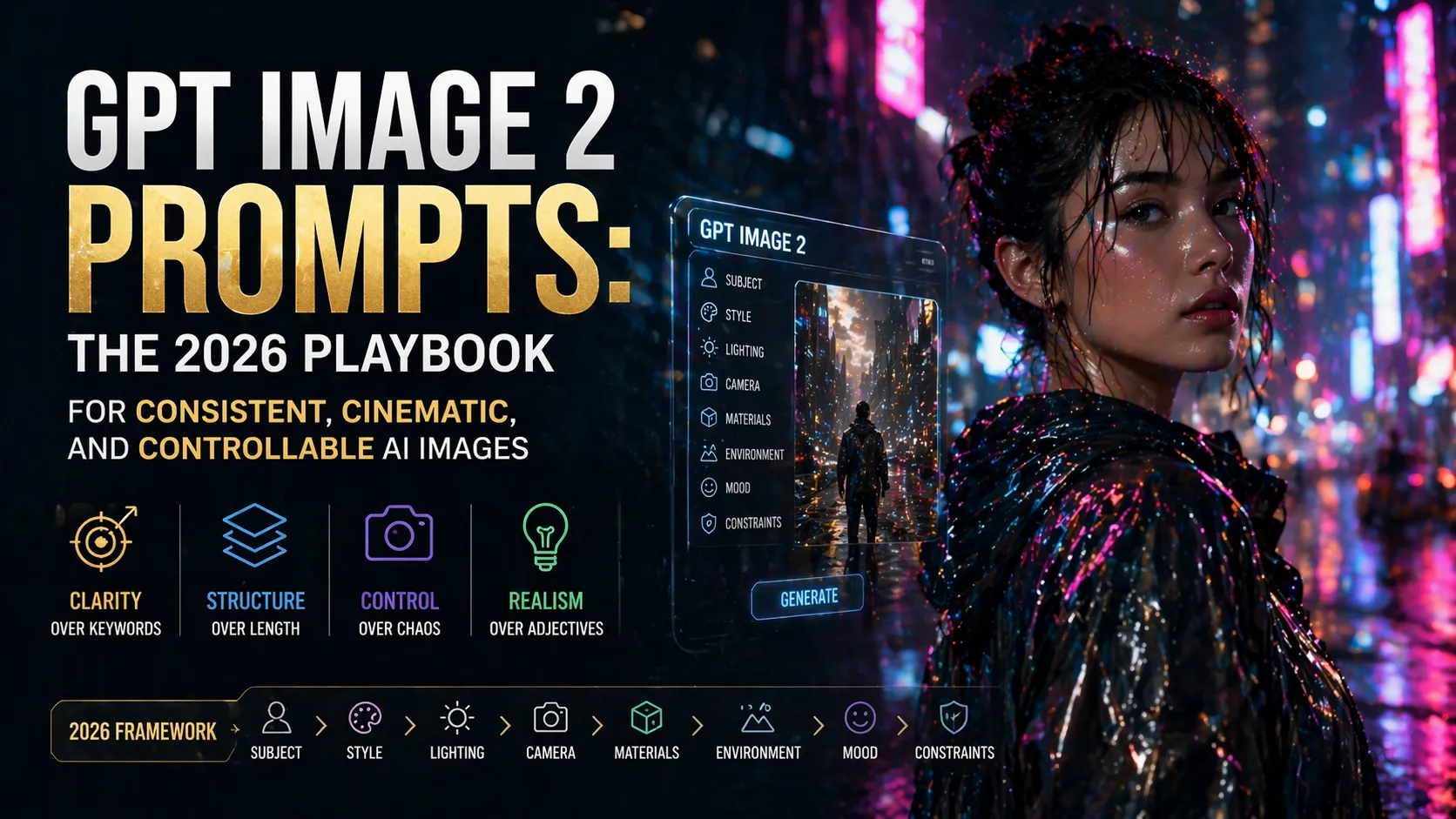
The Perfect Prompt Structure (2026 Framework)
[Subject]
[Style]
[Lighting]
[Camera]
[Materials]
[Environment]
[Mood]
[Constraints]
Example 1: Cinematic Portrait (High-Performance Prompt)
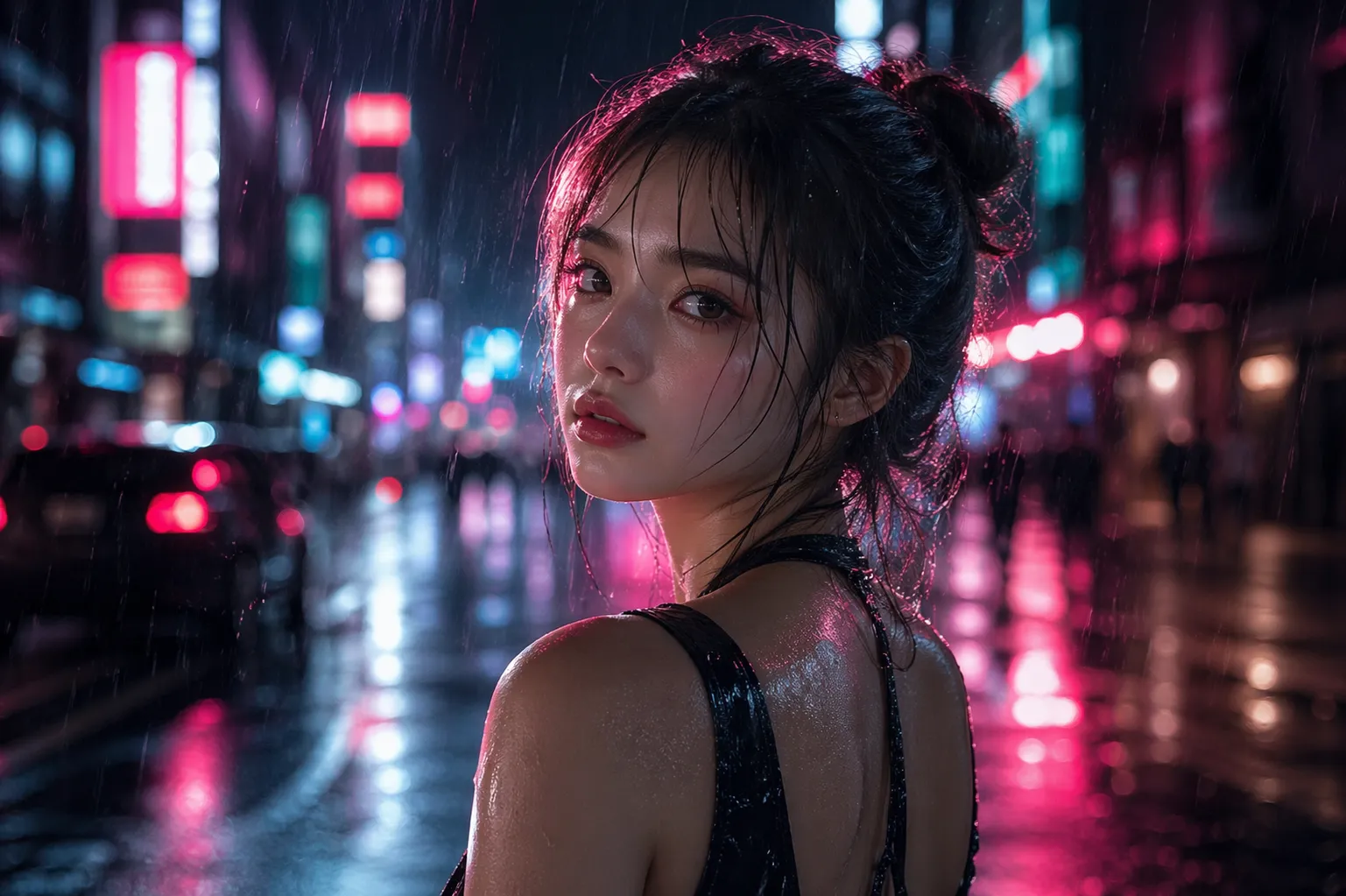
Young woman standing in a rainy neon-lit street at night,
cinematic film still, cyberpunk aesthetic,
soft rim lighting with pink and blue neon reflections,
shot on 85mm lens, shallow depth of field,
wet skin highlights, ultra realistic texture,
background blurred city lights and signage,
moody, introspective atmosphere,
accurate anatomy, no distortion, no extra fingers, no text
Why this works:
- 85mm lens → cinematic compression
- Rim lighting → subject separation
- Wet reflections → realism boost
- Constraints → artifact control
Advanced Prompt Engineering Techniques
Cinematic Control
Use real camera language:
- 35mm → environment
- 85mm → portrait
- 135mm → compression
Example 2: Complex Multi-Subject Scene
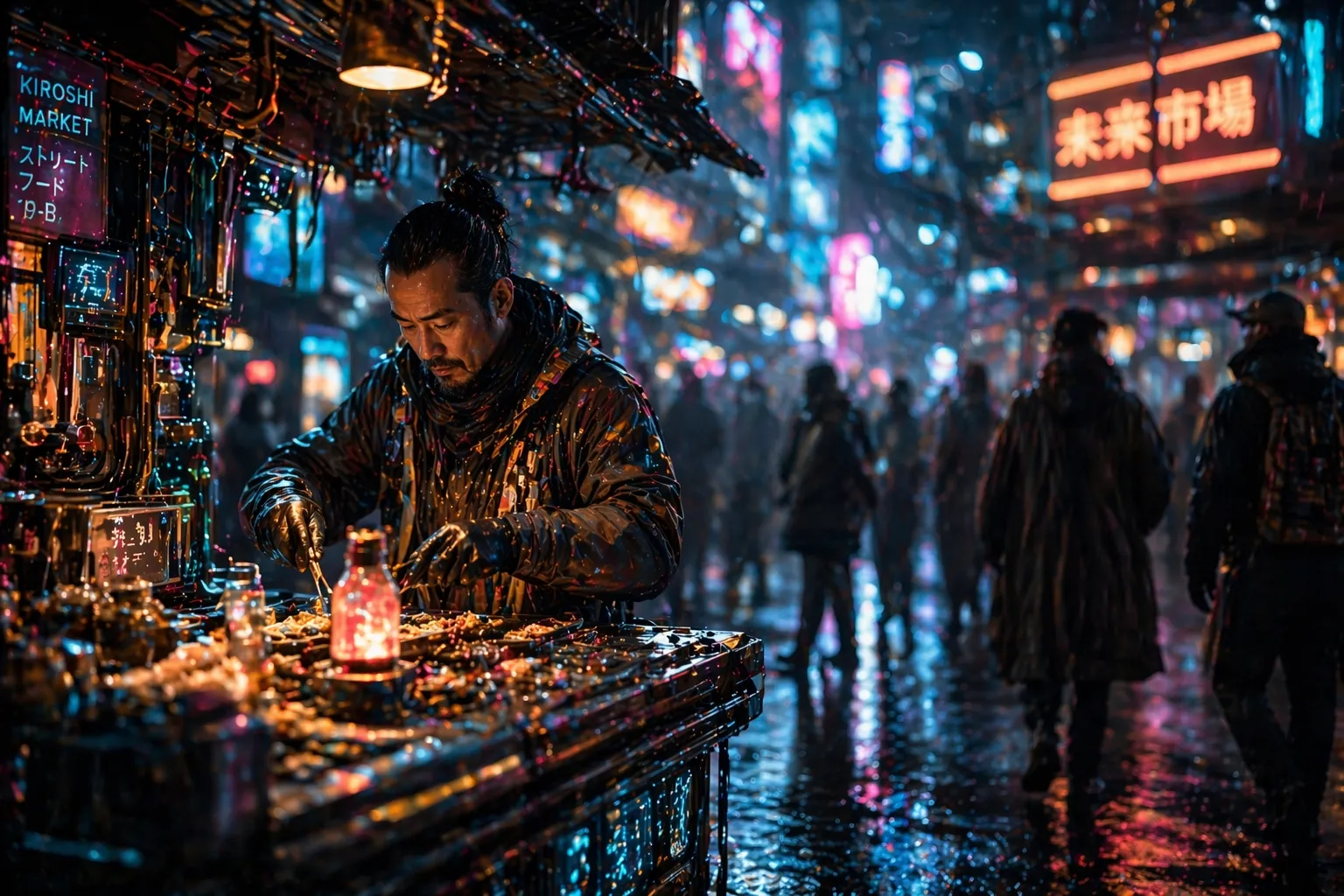
Futuristic street market scene at night,
single vendor in the foreground preparing goods,
sharp focus on the main subject,
background crowd softly blurred with bokeh effect,
neon lighting reflecting on wet surfaces,
shot on 50mm lens, shallow depth of field,
clear subject separation, cinematic composition,
realistic materials and lighting interaction,
clean image, no duplicated faces, no distortion
Insight:
Explicit spatial layers dramatically improve composition stability.
Example 3: Product-Level Rendering
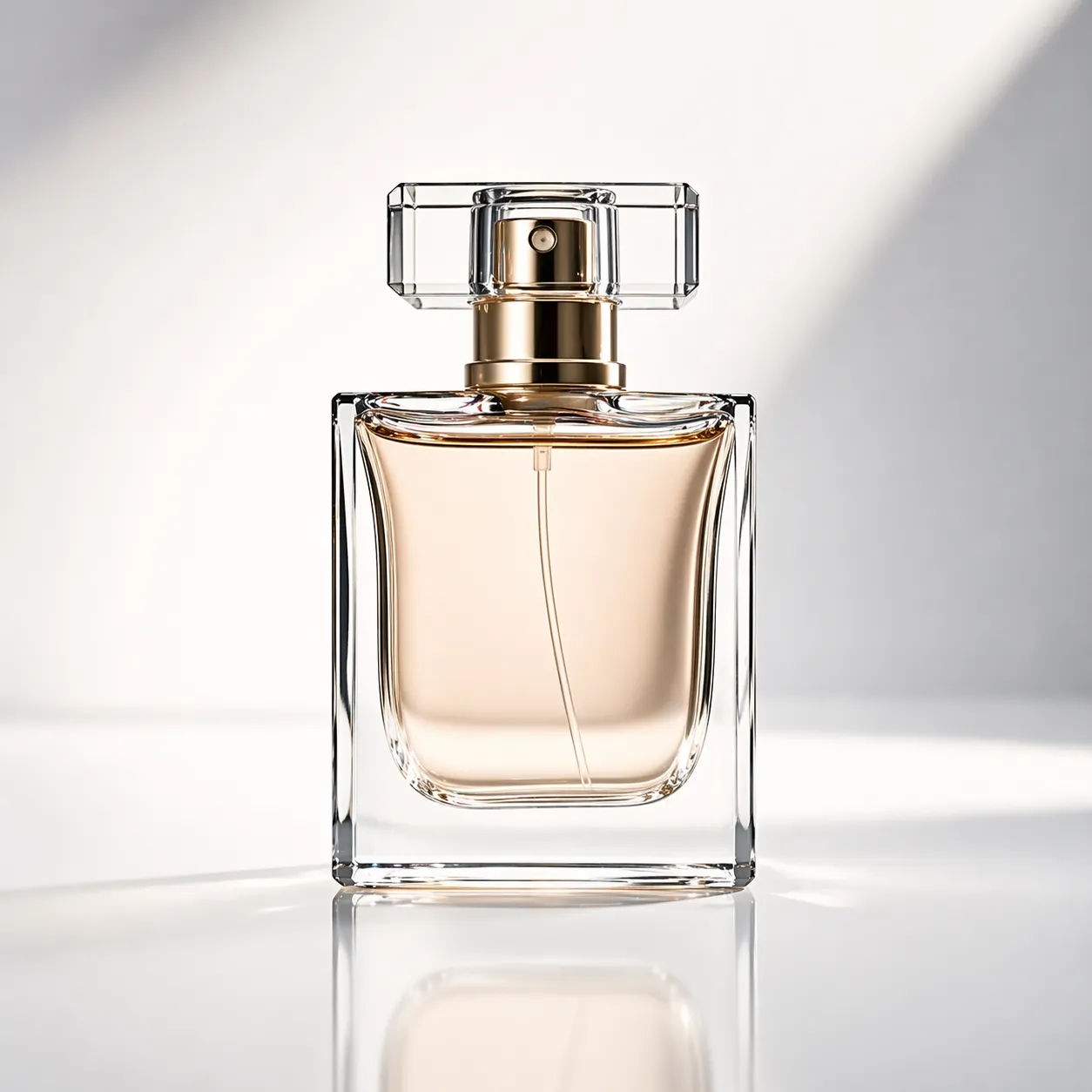
Minimalist glass perfume bottle,
studio product photography,
softbox lighting with smooth shadows,
placed on reflective white surface,
high detail glass material with subtle refraction,
clean background, premium commercial style,
sharp focus, no dust, no scratches, no text
Insight:
Material + lighting = realism. Not adjectives.
Example 4: High-End Editorial Fashion

High fashion editorial photoshoot,
female model in elegant silk dress,
dramatic studio lighting with deep shadows,
clean minimal background,
shot on 135mm lens, compressed perspective,
luxury magazine style, flawless skin retouch,
confident pose, refined details,
no distortion, no extra limbs, no text
Insight:
Style anchoring reduces randomness and improves consistency.
Common Pitfalls
❌ Bad Prompt Example
beautiful girl, anime style, photorealistic, oil painting, 4k, 8k, cinematic, trending,
amazing lighting, best quality, masterpiece
Why it fails:
- Conflicting styles
- No structure
- No camera or lighting control
GPT Image 2 vs Other Models (2026)
| Feature | GPT Image 2 | Midjourney V6 | SDXL |
|---|---|---|---|
| Natural language | ⭐⭐⭐⭐⭐ | ⭐⭐⭐⭐ | ⭐⭐⭐ |
| Consistency | ⭐⭐⭐⭐⭐ | ⭐⭐⭐ | ⭐⭐⭐ |
| Realism | ⭐⭐⭐⭐⭐ | ⭐⭐⭐⭐ | ⭐⭐⭐⭐ |
Pro Workflow
- Define subject
- Add lighting + camera
- Add materials
- Add constraints
- Iterate small changes
Key Insight: Small refinements outperform large prompt rewrites.
Conclusion
GPT Image 2 changes prompting from keyword tricks to visual direction.
The best results come from:
- Structured prompts
- Cinematic thinking
- Precise constraints
Next Step:
Start with one template, iterate with lighting and lens changes, and observe how realism improves immediately.
Mastery comes from thinking like a director, not a prompter.
Continue Reading
More articles connected to the same themes, protocols, and tools.
Referenced Tools
Browse entries that are adjacent to the topics covered in this article.

PaidSync.ai
MCP ServersPaidSync.ai is a hosted MCP server for paid advertising that exposes 610+ tools across 14 advertising, analytics, tagging, and commerce platforms. It supports read/write workflows from AI clients including ChatGPT, Claude, Gemini, Cursor, Claude Code, and Codex, with a free plan.


Hyper3D MCP
MCP ServersHyper3D MCP is Hyper3D's hosted Rodin MCP server for creating 3D assets from natural-language instructions or supported references, checking asynchronous generation progress, and retrieving model download links inside AI coding clients. Official setup is documented for Codex, Claude Code, and Kimi Code CLI.


