Crunchbase MCP
Crunchbase MCP is Crunchbase's official first-party remote MCP server for live company, funding, investor, people, acquisition, and predictive private-market intelligence. Interactive access uses a Crunchbase account with an assigned MCP seat and OAuth 2.1 authentication.
About
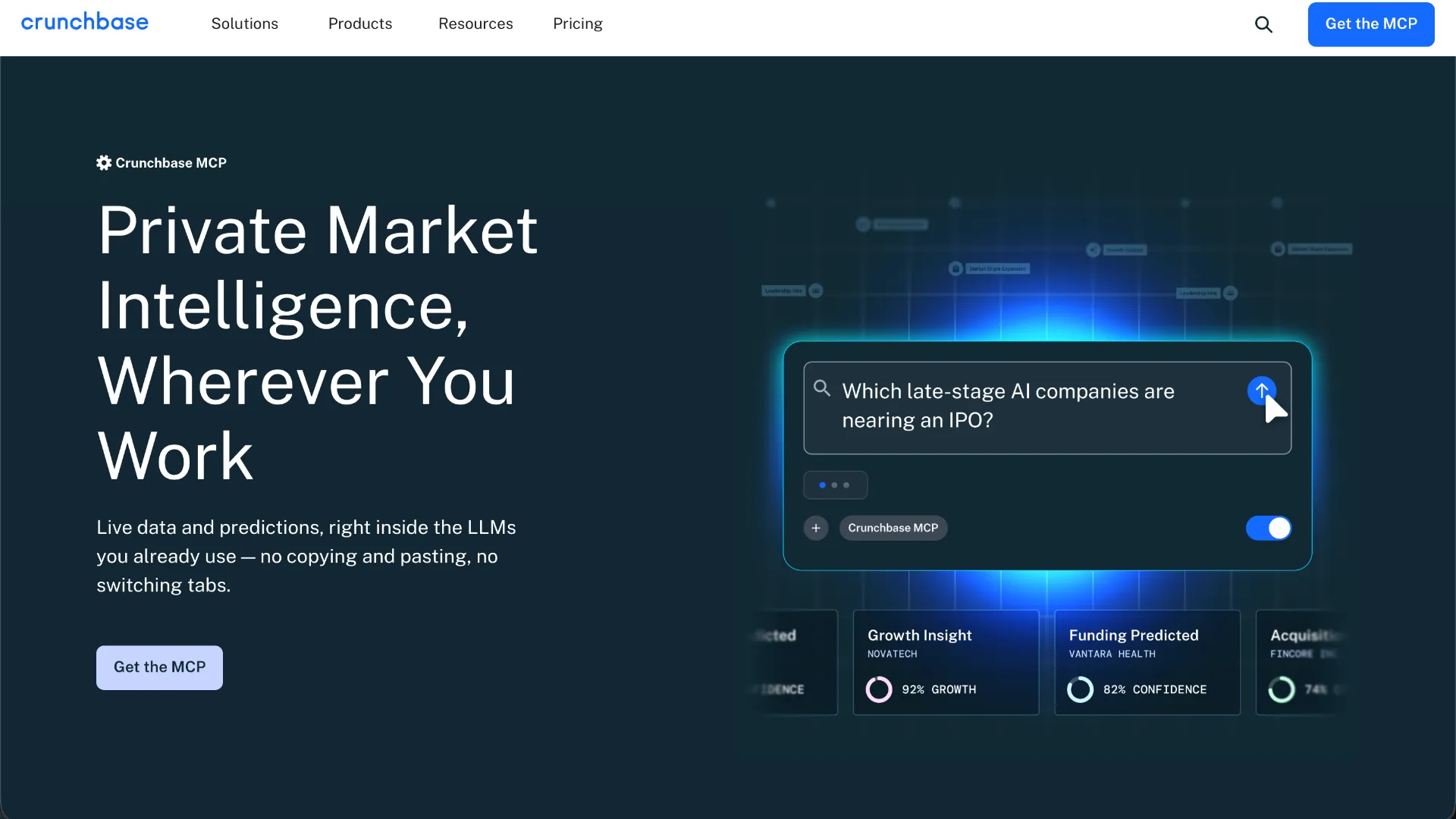
Crunchbase MCP is Crunchbase's governed, first-party Model Context Protocol server. It connects MCP-compatible AI assistants and applications to live Crunchbase company, funding, investor, people, acquisition, predictions, and insights data.
The server is remote and served from https://mcp.crunchbase.com. Crunchbase documents the transport as Streamable HTTP and authenticates interactive users through their Crunchbase identity.
Key Features
- Natural-language research with
cb_expert_query_answer, including questions about companies, investors, sectors, funding activity, and other Crunchbase data. - Natural-language search construction with
cb_expert_build_search, plus schema/domain exploration withcb_expert_query_domain. - Entity resolution with
cb_expert_resolve_entityandcb_entity_autocomplete. - Structured profile retrieval through
cb_entity_getand repeatable filtered searches throughcb_search_query. - Schema and operator discovery through
cb_reference. - Crunchbase list operations through
cb_list_query,cb_list_create,cb_list_add_entities, andcb_list_get. - Usage and quota inspection through
cb_metering_get_state. - Both read workflows and documented write operations: the list-create and list-add tools can modify lists in the signed-in user's Crunchbase workspace.
Use Cases
- Research a company's funding history, leadership, competitors, acquisitions, and related entities.
- Screen companies by geography, stage, sector, dates, funding amounts, and other structured Crunchbase fields.
- Build sourcing lists for venture, private-market, corporate-development, and market-mapping workflows.
- Analyze investors, funding rounds, and co-investment patterns.
- Save agent-generated research results into reusable Crunchbase lists.
- Bring Crunchbase data into custom MCP-capable applications; Crunchbase handles programmatic and embedded access separately from normal interactive seats.
Compatibility
Crunchbase documents support for Claude web/desktop, Claude Code, ChatGPT, VS Code with GitHub Copilot Chat, Perplexity, Mistral AI, and any client implementing the current MCP specification. Its product page also names Gemini and Cursor as compatible MCP clients. Client-specific functionality can vary.
Limitations
- MCP access is controlled separately from a normal Crunchbase account. Crunchbase documents workspace-level MCP purchasing and per-user MCP seat assignment.
- The data and functionality available to a user remain governed by Crunchbase permissions and enabled products.
- Predictive signals are directional and are not guarantees of future funding, exits, acquisitions, growth, layoffs, or other outcomes.
- Usage may be subject to rate limits, quotas, or other controls.
- MCP access does not grant unrestricted rights to redistribute raw Crunchbase data or build a replacement data product outside the applicable agreement.
- Crunchbase documents interactive user-authenticated MCP usage publicly; headless agents, backend services, and other programmatic MCP arrangements are handled individually.
- Exact public setup instructions are not currently documented by Crunchbase for every named MCP client.
Sources
- Official product page: https://about.crunchbase.com/products/crunchbase-mcp
- MCP overview: https://data.crunchbase.com/docs/mcp-overview
- Getting started: https://data.crunchbase.com/docs/getting-started-with-mcp
- Connecting AI tools: https://data.crunchbase.com/docs/connecting-ai-tools
- Tool reference: https://data.crunchbase.com/docs/tool-reference
- Managing MCP access: https://data.crunchbase.com/docs/managing-mcp-access
MCP Setup
Prerequisites
- Crunchbase account required
- Crunchbase MCP access must be assigned per user by the workspace owner or admin
- Crunchbase documents MCP as a separately purchased workspace capability
- Crunchbase Business must be assigned as the base product for users receiving an MCP seat
Access requirements
- Interactive MCP access uses OAuth 2.1 with PKCE and the user's Crunchbase account
- No Crunchbase API key or API package is required for the normal interactive OAuth MCP connection
- The MCP server does not accept unauthenticated requests
- Clients supporting Client ID Metadata Documents (CIMD) can connect directly; Dynamic Client Registration (DCR) is not supported
- Clients without CIMD, or custom integrations that need pre-registration, require a custom OAuth client created in Crunchbase Account Settings → Integrations → MCP
- Programmatic, headless, backend, and embedded MCP access can require separate commercial and authentication arrangements
Companion app or plugin
No companion application is required by the public Crunchbase MCP documentation.
Client setup
Claude Code
Transport: Streamable HTTP
claude mcp add --transport http --scope user crunchbase https://mcp.crunchbase.com
- If Crunchbase was added in Claude.ai and Claude Code is signed in with the same Claude.ai subscription, the connector is automatically available without adding the server again.
- For the documented manual fallback, run the provided Claude CLI command.
- Start Claude Code and run /mcp to confirm the Crunchbase connection.
Auth:
- Select crunchbase from /mcp when using the manual configuration.
- Complete the Crunchbase browser sign-in flow and approve access.
Claude.ai connectors are not loaded in Claude Code when Claude Code is authenticated through ANTHROPIC_API_KEY, ANTHROPIC_AUTH_TOKEN, apiKeyHelper, Amazon Bedrock, Google Vertex AI, or another third-party provider. The manual server configuration is the documented fallback.
Claude Desktop
Transport: Streamable HTTP
- Open Claude's connector directory and find Crunchbase.
- Add or connect the Crunchbase connector.
Auth:
- Sign in with the Crunchbase account that has MCP access.
- Choose Allow to approve the connection.
Crunchbase documents the same Claude connector as available across Claude web, desktop, and mobile after it is added to the Claude account.
Cursor
Transport: Streamable HTTP
Crunchbase's official MCP product page lists Cursor as compatible. Exact public Cursor-specific setup steps or commands are not documented in the current Crunchbase Connecting AI Tools guide.
Codex
Crunchbase does not explicitly document Codex by name in its current public setup guide. Exact public setup is not documented; do not infer a Codex command from another MCP client.
Windsurf
Crunchbase does not explicitly document Windsurf by name in its current public setup guide. Exact public setup is not documented.
VS Code
Transport: Streamable HTTP
{
  "servers": {
    "crunchbase": {
      "type": "http",
      "url": "https://mcp.crunchbase.com"
    }
  }
}
- Install and sign in to the GitHub Copilot extension in VS Code.
- Open the Command Palette and run MCP: Add Server.
- Select HTTP, enter https://mcp.crunchbase.com, name it Crunchbase, and choose Global or Workspace.
- Alternatively, place the documented configuration in .vscode/mcp.json.
- Open Copilot Chat in Agent mode to use Crunchbase tools.
Auth:
- When VS Code requests authentication, choose Allow.
- Complete the Crunchbase browser sign-in and approve access.
- Approve the first Crunchbase tool call in Copilot when prompted.
VS Code uses the root key servers, not mcpServers, in .vscode/mcp.json.
Lovable
Crunchbase does not explicitly document Lovable by name in its current public setup guide. Exact public setup is not documented.
Other
Transport: Streamable HTTP
- ChatGPT: install Crunchbase from the ChatGPT plugin directory, then connect the Crunchbase account.
- Perplexity: add Crunchbase from the Connectors directory, then connect the Crunchbase account.
- Mistral Vibe: create a custom OAuth client in Crunchbase, add a Custom MCP Connector using https://mcp.crunchbase.com, and supply the generated Client ID and Client Secret.
- Generic MCP clients: use the remote endpoint https://mcp.crunchbase.com if the client implements the current MCP specification and the required OAuth flow.
Auth:
- Interactive clients redirect to Crunchbase for OAuth sign-in and approval.
- Generic clients use OAuth 2.1 with PKCE.
- If the client supports CIMD, direct connection does not require OAuth client registration.
- If the client does not support CIMD, create a pre-registered custom OAuth client in Crunchbase and configure the returned client credentials.
Crunchbase also publicly documents ChatGPT, Perplexity, Semaverse, Mistral Vibe, Claude, VS Code Copilot Chat, and generic current-spec MCP clients. The official product page additionally names Gemini, Copilot, Cursor, Azure, and SageMaker as compatible environments.
Authorization flow
- Connect the client to the Crunchbase connector or remote MCP endpoint.
- The client redirects the user to Crunchbase for OAuth 2.1 authorization.
- Sign in with the Crunchbase account that has MCP access and approve the requested access.
- Crunchbase validates MCP entitlement and returns the user to the AI client.
- For clients without CIMD, pre-register a custom OAuth client in Crunchbase before connecting; DCR is not supported.
Setup docs: https://data.crunchbase.com/docs/connecting-ai-tools
Tags
Alternatives
Comparable tools and resources explicitly connected to Crunchbase MCP.
Related Entries
Keep exploring similar tools and resources in this category.

PaidSync.ai
MCP ServersPaidSync.ai is a hosted MCP server for paid advertising that exposes 610+ tools across 14 advertising, analytics, tagging, and commerce platforms. It supports read/write workflows from AI clients including ChatGPT, Claude, Gemini, Cursor, Claude Code, and Codex, with a free plan.

Hyper3D MCP
MCP ServersHyper3D MCP is Hyper3D's hosted Rodin MCP server for creating 3D assets from natural-language instructions or supported references, checking asynchronous generation progress, and retrieving model download links inside AI coding clients. Official setup is documented for Codex, Claude Code, and Kimi Code CLI.




Related Reads
Background, tutorials, and protocol context connected to this entry.

Anthropic’s 1GW Data Center Push: Why AI Companies Are Now Fighting for Power, Not Just Models
Ostris AI Toolkit Guide: The Practical LoRA Training Suite for FLUX, Qwen, Z-Image, Wan, and Modern Diffusion Models