

Render MCP Server
The official Render MCP Server allows AI coding agents and assistants (Claude, Cursor, Codex, etc.) to manage Render cloud infrastructure directly via natural language — including creating services, analyzing metrics, querying logs, and debugging applications.
Overview
Render MCP Server is the official Model Context Protocol (MCP) server provided by Render, the unified cloud platform for building and running web apps, APIs, static sites, and databases. Hosted at https://mcp.render.com/mcp, it enables AI coding agents and assistants to interact with your Render infrastructure using natural language commands.
Launched as generally available in August 2025, the server exposes a rich set of tools (over 20) that allow AI agents to inspect services, fetch metrics, create new resources, query databases, and troubleshoot issues — all without leaving the AI workflow in tools like Cursor, Claude Code, or Codex.
The server is also open-source at render-oss/render-mcp-server, allowing self-hosting or local execution if preferred.
Key Features
- Infrastructure Management: Create web services, static sites, private services, and datastores (PostgreSQL, Redis, etc.).
- Metrics & Monitoring: Fetch and analyze service metrics, logs, and performance data.
- Debugging Tools: Diagnose errors, trace issues (e.g., 500s, slow endpoints), and inspect deployments.
- Deployment Operations: Trigger deploys, view build logs, and manage environment variables.
- Database Access: Run queries and explore database resources securely.
- Safety-First Design: Includes guardrails to prevent destructive actions without explicit confirmation.
- Remote-First Hosted Server: No setup required — simply connect your AI client to the public endpoint.
- Streamable HTTP Support: Modern transport for better performance and compatibility.
How It Works
- Connect your AI app (Cursor, Claude Desktop/Code, etc.) to
https://mcp.render.com/mcpusing your Render API key or account authentication. - When you prompt the AI with tasks like "analyze why my service is returning 500 errors" or "create a new PostgreSQL database for my app," the agent automatically discovers and calls the appropriate Render MCP tools.
- The server translates tool calls into Render platform API actions and returns structured results to the AI for further reasoning.
This creates a seamless loop where your AI assistant can both generate code and manage the infrastructure it runs on.
Use Cases
- AI-Driven Debugging: Let agents diagnose production issues by analyzing real-time metrics and logs.
- Rapid Prototyping & Deployment: Ask the AI to spin up new services, databases, or static sites during development.
- Infrastructure as Code Assistance: Generate and apply configuration changes through natural language.
- Performance Optimization: Analyze bandwidth, costs, and resource usage with AI insights.
- DevOps Automation: Combine with other MCP servers (e.g., GitHub, Chrome DevTools) for end-to-end agentic workflows.
Getting Started
Using the Hosted Server (Recommended)
- Go to your Render dashboard and generate an API key if needed.
- In your AI client (e.g., Cursor or Claude), add the remote MCP server:
{ "mcpServers": { "render": { "url": "https://mcp.render.com/mcp" } } } - Authenticate with your Render credentials when prompted.
Running Locally or Self-Hosted
Clone the open-source repository:
git clone https://github.com/render-oss/render-mcp-server.git
Follow the setup instructions in the official documentation.
Full list of supported tools and detailed configuration are available in the Render MCP Docs and the GitHub README.
Benefits
Render MCP Server bridges the gap between AI coding assistants and real cloud infrastructure. It dramatically reduces context switching between IDE, dashboard, and terminal, enabling developers to build, debug, and scale applications faster using natural language.
As a production-grade, officially maintained MCP server with safety constraints and continuous updates, it has become a popular choice for teams using Render for web services, APIs, and full-stack applications.
Official Links:
- Documentation: https://render.com/docs/mcp-server
- GitHub: https://github.com/render-oss/render-mcp-server
- Changelog: Render MCP Server GA Announcement (August 2025)
Tags
Related Entries
Keep exploring similar tools and resources in this category.

PaidSync.ai
MCP ServersPaidSync.ai is a hosted MCP server for paid advertising that exposes 610+ tools across 14 advertising, analytics, tagging, and commerce platforms. It supports read/write workflows from AI clients including ChatGPT, Claude, Gemini, Cursor, Claude Code, and Codex, with a free plan.

Hyper3D MCP
MCP ServersHyper3D MCP is Hyper3D's hosted Rodin MCP server for creating 3D assets from natural-language instructions or supported references, checking asynchronous generation progress, and retrieving model download links inside AI coding clients. Official setup is documented for Codex, Claude Code, and Kimi Code CLI.




Related Reads
Background, tutorials, and protocol context connected to this entry.
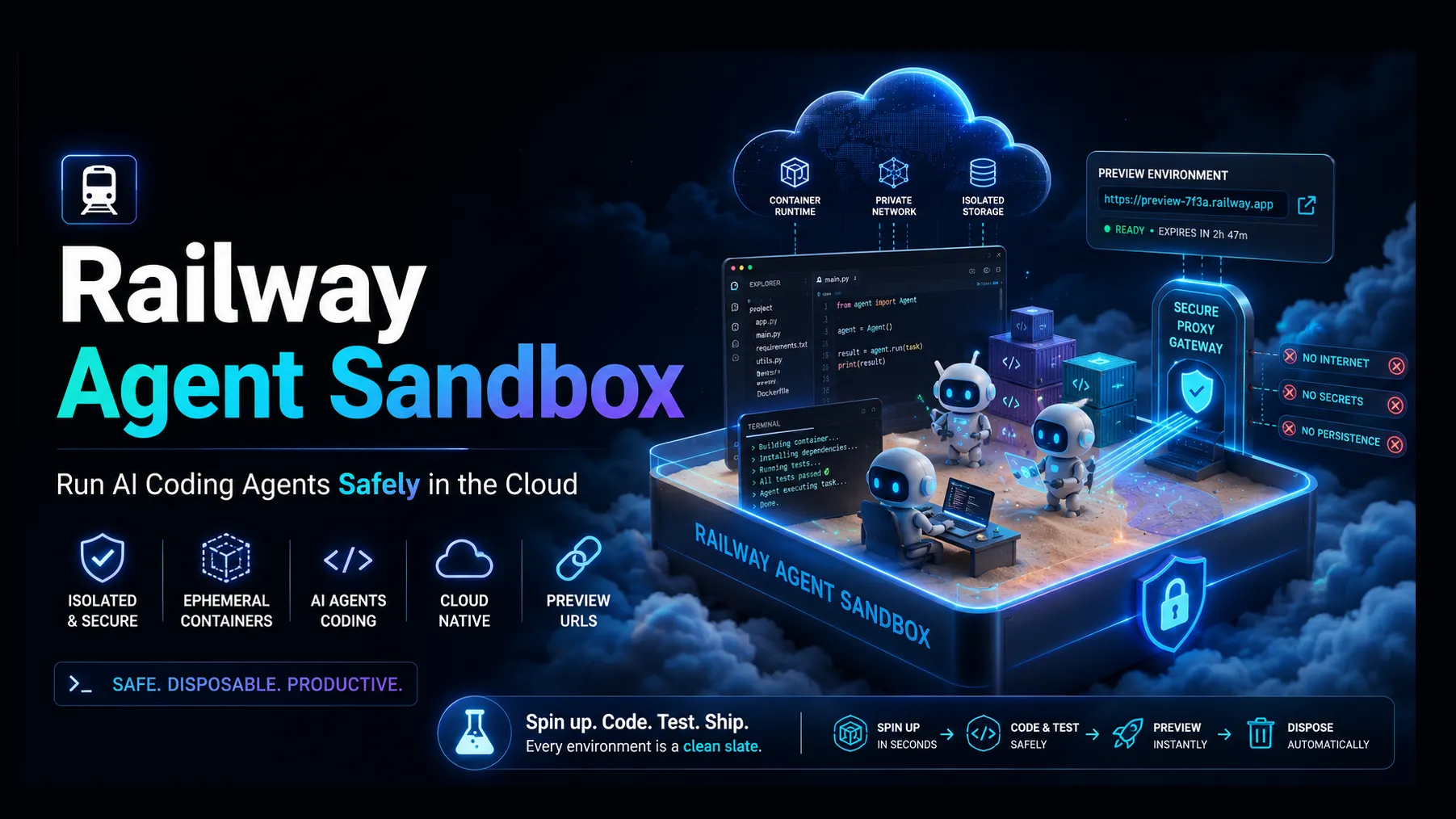
Railway Agent Sandbox: The Practical Guide to Running AI Coding Agents Safely in the Cloud
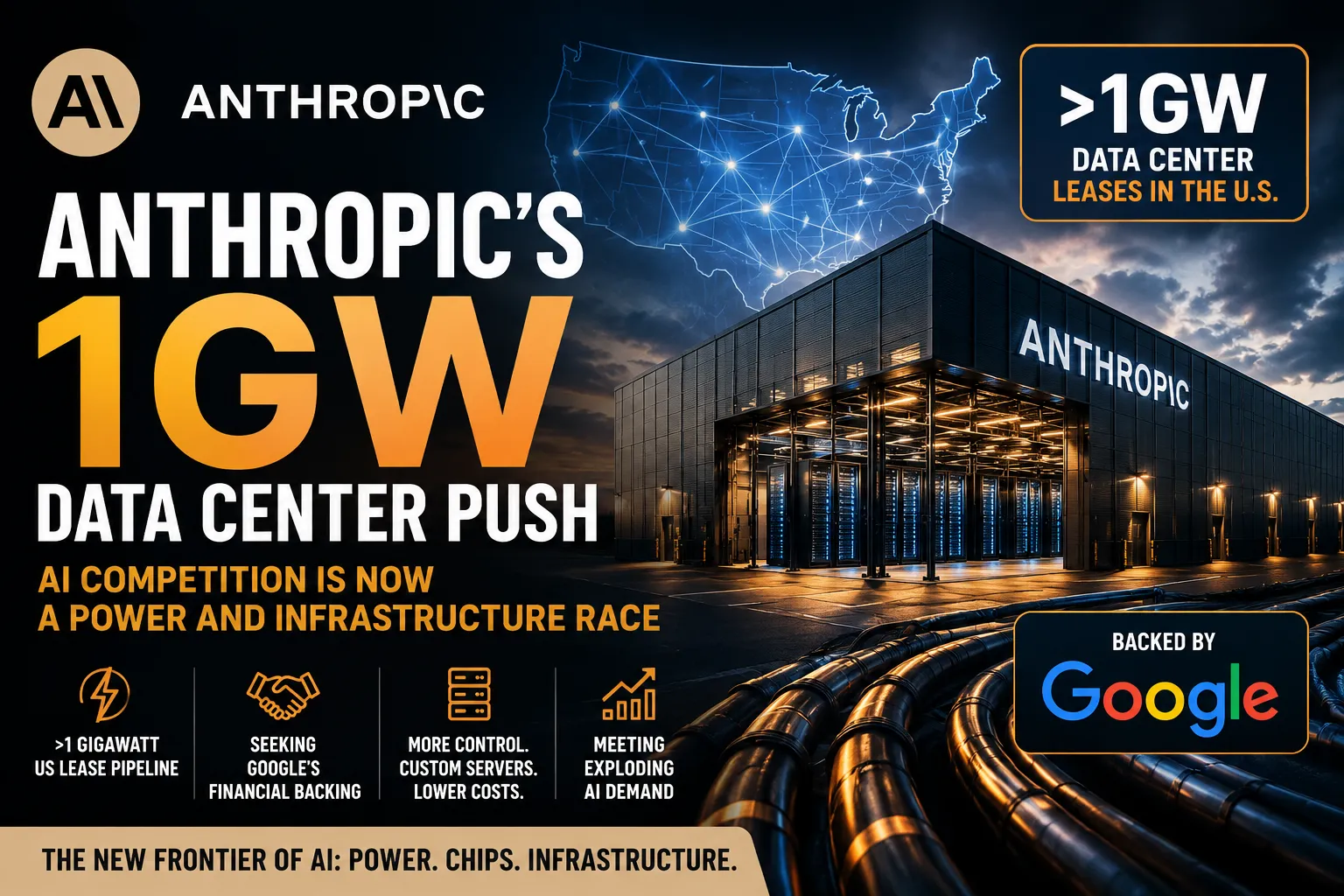
Anthropic’s 1GW Data Center Push: Why AI Companies Are Now Fighting for Power, Not Just Models
