What is UI-TARS? ByteDance's Open-Source GUI Agent Outperforming Claude & GPT-4o
Key Takeaways
- UI-TARS stands for User Interface — Task Automation and Reasoning System, an open-source native GUI agent developed by ByteDance (TikTok’s parent company).
- It is a multimodal vision-language model (VLM) that perceives screenshots only and performs human-like mouse, keyboard, and scroll actions across desktop, browser, and mobile environments.
- Unlike prompt-heavy frameworks relying on commercial models, UI-TARS is an end-to-end trained model incorporating System-2 reasoning, unified action modeling, and reflective online learning.
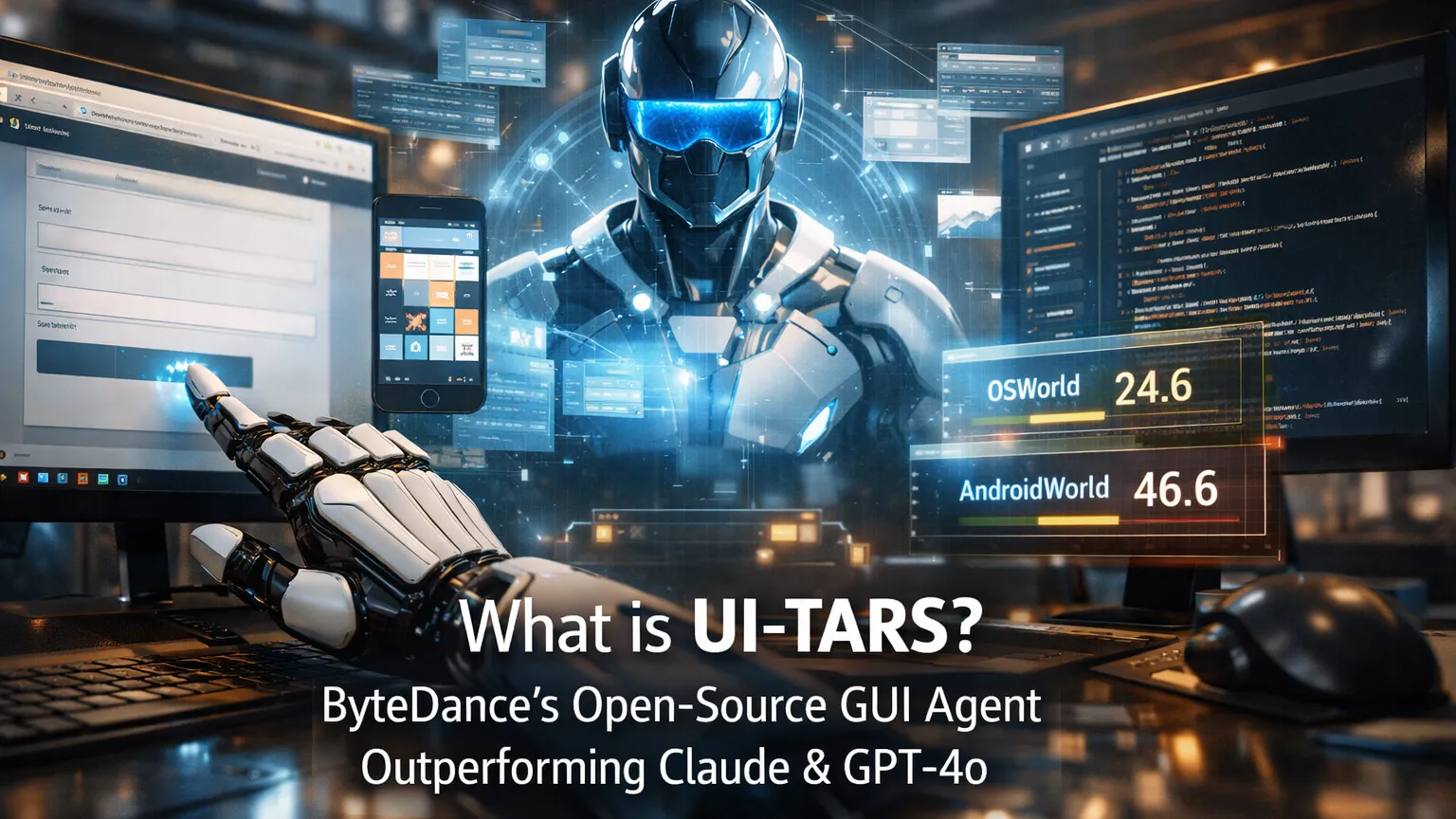
- UI-TARS-1.5 (released April 2025) achieves state-of-the-art results on 10+ GUI benchmarks, including OSWorld (24.6@50 steps) and AndroidWorld (46.6), surpassing Claude 3.7 and GPT-4o.
- Available in multiple sizes (7B recommended for local runs) with a dedicated UI-TARS Desktop application and MCP integration for tool-augmented workflows.
What is UI-TARS?
UI-TARS is ByteDance’s pioneering native GUI agent model designed for automated interaction with graphical user interfaces. Released in early 2025 with the UI-TARS-1.5 update in April 2025, it represents a shift from modular agent frameworks to a unified, end-to-end vision-language model.
The model takes raw screenshots as its sole visual input and outputs precise actions such as mouse clicks (left, right, double), drags, keyboard input, scrolling, and complex sequences — all without relying on DOM access, accessibility trees, or pre-defined APIs.
This screenshot-only approach makes UI-TARS highly generalizable across platforms (Windows, macOS, Linux, Android, web browsers) and robust against UI changes that break traditional automation tools.
Core Technical Innovations
UI-TARS introduces several breakthroughs that explain its superior performance:
- Enhanced Perception: Trained on massive GUI screenshot datasets for context-aware understanding and precise element captioning.
- Unified Action Modeling: Standardizes actions into a single space across platforms, enabling accurate grounding from vision to low-level inputs (mouse coordinates, key presses).
- System-2 Reasoning: Incorporates deliberate multi-step thinking, including task decomposition, reflection, milestone recognition, and error recovery before acting.
- Iterative Training with Reflective Online Traces: Uses hundreds of virtual machines to automatically generate, filter, and refine interaction traces. The model learns from its own mistakes through reflection tuning with minimal human intervention.
These innovations allow UI-TARS to scale effectively at inference time and adapt to novel interfaces more reliably than prompt-engineered agents.
Performance Benchmarks
Analysis of official evaluations shows UI-TARS-1.5 consistently leads GUI agent benchmarks:
- OSWorld: 24.6 (50 steps) and 22.7 (15 steps) — outperforming Claude (22.0 / 14.9).
- AndroidWorld: 46.6 — surpassing GPT-4o (34.5).
- Additional SOTA results across 10+ benchmarks covering perception, grounding, and full task execution.
Benchmarks indicate that the combination of vision-based perception and built-in reasoning reduces error accumulation in long-horizon tasks compared to agents that rely heavily on external tool calling or accessibility APIs.
UI-TARS Desktop and Agent Ecosystem
ByteDance provides practical implementations beyond the base model:
- UI-TARS Desktop: A cross-platform Electron application that turns the model into a native desktop agent. Users give natural language instructions, and the agent views the screen and controls the mouse/keyboard.
- Agent TARS: A broader multimodal agent stack supporting terminal, browser, and product integrations.
- MCP Integration: Supports the Model Context Protocol, allowing seamless combination with other MCP servers (e.g., database, Linear, or Playwright tools) for hybrid workflows.
The desktop agent supports both local inference (using models from Hugging Face) and remote operation, with recent updates adding free remote computer and browser control features.
How UI-TARS Compares to Other Computer-Use Agents
| Agent | Input Type | Architecture | Open Source | Key Strength | Notable Benchmark Edge |
|---|---|---|---|---|---|
| UI-TARS-1.5 | Screenshot only | End-to-end VLM + Reasoning | Yes | Generalization & Reflection | OSWorld, AndroidWorld |
| Claude Computer Use | Screenshot + API | Prompted + Tool Use | No | Safety & Ecosystem | Strong but lower on long tasks |
| OpenAI Operator / CUA | Screenshot | Proprietary | No | Integration with ChatGPT | Competitive but closed |
| Anthropic Computer Use | Screenshot | Claude 3.5/3.7 backbone | No | Reliability in controlled envs | Lower scores than UI-TARS |
Community feedback suggests UI-TARS excels in open-ended, real-world desktop tasks where UI elements change frequently or lack clean accessibility metadata.
Use Cases and Applications
- Desktop Automation: Filling forms, editing documents, managing files, or running complex software workflows (e.g., Photoshop sequences).
- Browser Tasks: Web scraping, form submissions, multi-step online processes without brittle selectors.
- Mobile & Game Automation: Interacting with Android apps and virtual game environments.
- Development & Testing: Generating and executing GUI-based tests or reproducing bugs visually.
- Hybrid Agent Systems: Combining with MCP servers for tasks that require both GUI actions and backend data access.
Advanced Tips, Edge Cases, and Common Pitfalls
- Local Deployment: The 7B model runs efficiently on consumer hardware (especially quantized versions on Apple Silicon via MLX). Use LM Studio or Ollama-compatible setups for zero-cost inference.
- Security Considerations: Running a full desktop agent requires careful sandboxing. Limit permissions and monitor actions in sensitive environments.
- Long-Horizon Tasks: Leverage the model’s reflection capabilities by providing clear milestones in prompts. Iterative self-correction improves success rates significantly.
- Pitfalls to Avoid:
- Over-relying on single screenshots for highly dynamic UIs (combine with short-term memory or MCP tools).
- Ignoring platform-specific action nuances (e.g., coordinate scaling across different screen resolutions).
- Expecting perfect performance on highly customized or low-contrast interfaces without fine-tuning.
For best results, pair UI-TARS with structured prompts that include task decomposition and success criteria.
Getting Started
- Visit the official GitHub repositories: bytedance/UI-TARS for the model and bytedance/UI-TARS-desktop for the desktop application.
- Download models from Hugging Face (ByteDance-Seed/UI-TARS-1.5-7B).
- For quick testing, try the desktop app or browser-based demos.
- Explore MCP integration for advanced tool-using agents.
Conclusion
UI-TARS marks a significant advancement in GUI automation by delivering a truly native, open-source agent that sees the screen like a human and reasons before acting. Its strong benchmark performance, reflective learning, and practical desktop implementation position it as a leading alternative to closed commercial computer-use agents in 2026.
Developers and power users looking to automate repetitive GUI tasks or build more capable multimodal agents should explore UI-TARS today. Start with the 7B model and desktop application to experience screenshot-driven automation firsthand, then extend it with MCP tools for production workflows.
Continue Reading
More articles connected to the same themes, protocols, and tools.


Referenced Tools
Browse entries that are adjacent to the topics covered in this article.

PaidSync.ai
MCP ServersPaidSync.ai is a hosted MCP server for paid advertising that exposes 610+ tools across 14 advertising, analytics, tagging, and commerce platforms. It supports read/write workflows from AI clients including ChatGPT, Claude, Gemini, Cursor, Claude Code, and Codex, with a free plan.

Hyper3D MCP
MCP ServersHyper3D MCP is Hyper3D's hosted Rodin MCP server for creating 3D assets from natural-language instructions or supported references, checking asynchronous generation progress, and retrieving model download links inside AI coding clients. Official setup is documented for Codex, Claude Code, and Kimi Code CLI.