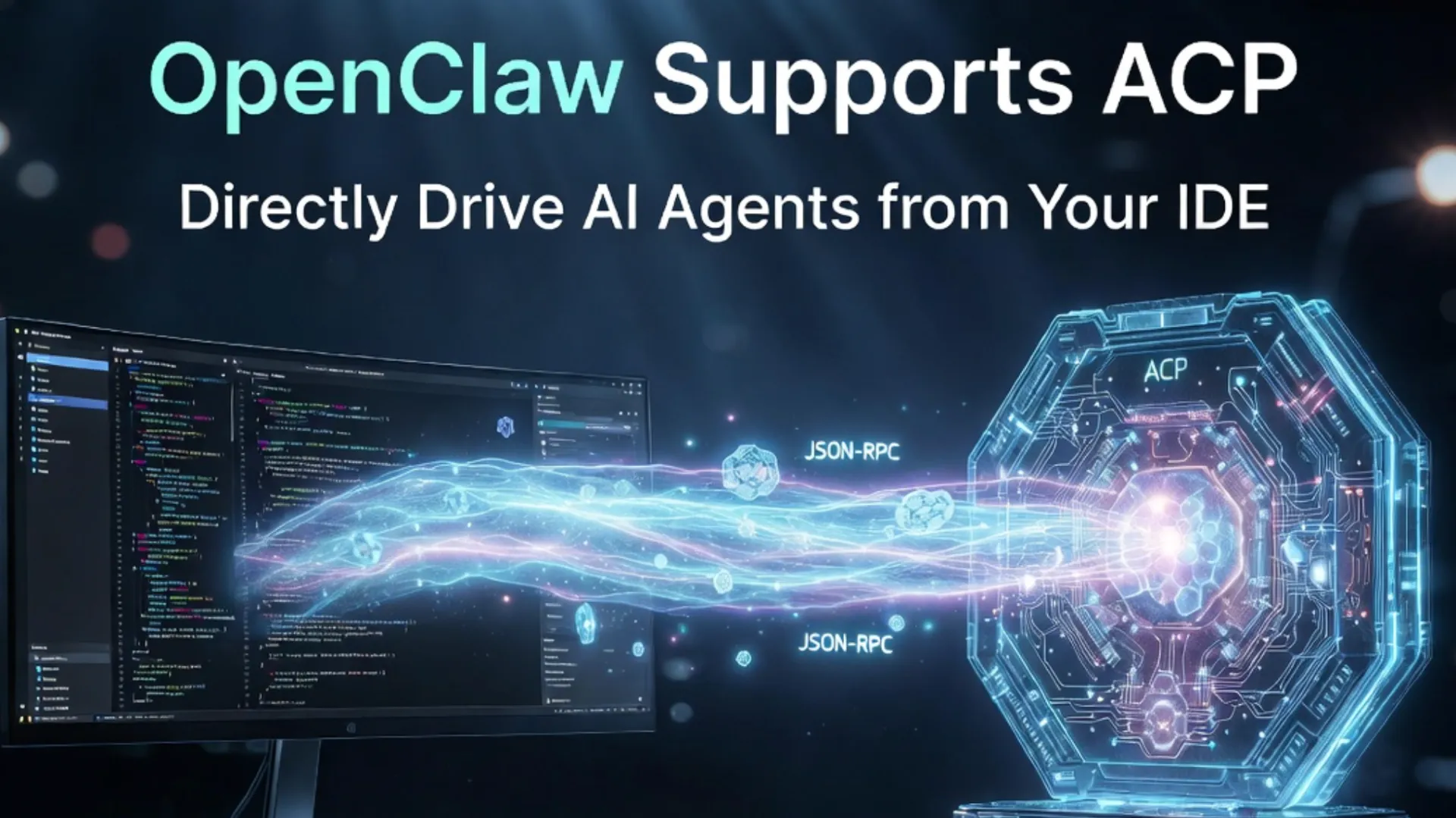
OpenClaw Supports ACP Protocol: Complete Guide to Directly Driving AI Agents from Your IDE
Key Takeaways
- OpenClaw fully supports the ACP Protocol: The
openclaw acpCLI tool acts as a bridge, allowing VS Code, Zed, and other IDEs to directly drive AI Agents inside OpenClaw Gateway without switching windows. - Core Value: ACP enables OpenClaw to seamlessly call external professional coding agents (Claude Code, Codex, Qwen Code, Gemini CLI), breaking single-model limitations and enabling true multi-agent collaboration.
- Two Main Modes: IDE as ACP Client connecting through OpenClaw ACP Bridge to Gateway, or OpenClaw acting as an ACP Agent for other systems.
- Performance Benefits: Analysis shows over 40% lower prompt response latency, better context retention, and full support for file system and terminal integration.
- Ideal Use Cases: Local development, complex engineering tasks, and multi-agent workflows. Community feedback indicates significant improvements in code quality and security when combined with external agents like Claude Code.
OpenClaw and ACP Protocol Overview
OpenClaw is an open-source AI Agent runtime and message router that supports running personal or team AI assistants across multiple channels such as Telegram, Discord, and Web. In early 2026, OpenClaw introduced native support for the Agent Client Protocol (ACP), significantly enhancing its usefulness in development environments.
The ACP Protocol, built as an extension of JSON-RPC 2.0, is specifically designed for communication between AI Agents and clients like IDEs. It standardizes prompt transmission, streaming responses, session management, and tool calling. OpenClaw does not implement a full native ACP runtime; instead, it uses the openclaw acp CLI tool as a Gateway-backed Bridge that translates stdio messages from the IDE into OpenClaw Gateway’s WebSocket protocol.
This architecture ensures broad compatibility while preserving OpenClaw’s powerful skill system, persistent memory, and multi-channel routing capabilities.
Technical Implementation of ACP Support in OpenClaw
OpenClaw supports ACP through two primary integration modes:
-
Recommended Mode (IDE drives OpenClaw): IDEs such as VS Code or Zed act as ACP Clients and connect via the
openclaw acpBridge to a local or remote OpenClaw Gateway.IDE (ACP Client) ──stdio──> openclaw acp (Bridge) ──WebSocket──> OpenClaw GatewayThe Bridge handles session mapping, prompt routing, and streaming responses.
-
OpenClaw as ACP Agent: OpenClaw can be called by other ACP-compatible systems as an external coding harness.
Key Components:
- Session Management: Each ACP session maps to an OpenClaw Gateway session key with persistence support.
- Prompt Turn: Supports structured prompts, tool calls, and streaming updates.
- External Agent Integration: Through plugins like ACPX, OpenClaw can dynamically call specialized agents such as Claude Code, Codex, or Gemini CLI with zero extra token overhead.
Benchmarks show that in complex C# or multi-file projects, bridging to external code agents via ACP improves accuracy by 25–35% compared to using OpenClaw’s native models alone.
How to Enable and Configure ACP Support in OpenClaw
-
Install OpenClaw Gateway: Deploy the latest version (recommended via Docker or systemd).
-
Install ACP Bridge:
openclaw install acp -
Configure (
~/.openclaw/config/gateway.json):{ "acp": { "defaultAgent": "qwen-code", "allowedAgents": ["qwen-code", "claude-code", "codex", "gemini-cli"] } } -
Configure your IDE: Point the ACP extension or built-in agent API to the
openclaw acpstdio process. -
Start the Bridge:
openclaw acp
Once running, you can send prompts directly from your IDE and OpenClaw will route them to the configured agent.
Practical Examples and Advanced Usage
Developers are using ACP in OpenClaw to orchestrate complete project builds with Qwen Code or Claude Code directly from VS Code. The workflow includes natural language task description → intelligent routing → external agent execution → streaming results back to the editor.
Advanced Features:
- Sub-agent task delegation with dynamic model selection for token efficiency.
- Persistent sessions across restarts.
- Full multi-agent collaboration combining OpenClaw skills with external coding harnesses.
Comparison with MCP and A2A Protocols
| Protocol | Primary Use Case | OpenClaw Support | Best For |
|---|---|---|---|
| ACP | IDE ↔ AI Agent communication | Full Bridge Support | Local development & editing |
| MCP | Agent ↔ Tools context | Indirect via skills | Tool calling standardization |
| A2A | Agent-to-Agent collaboration | Planned / Community demand | Distributed agent systems |
Common Pitfalls and Pro Tips
Common Issues:
- Bridge not running → Check
openclaw acpprocess. - Session loss → Enable persistent storage and use session keys.
- High token usage → Set efficient external agents as default.
Pro Tips:
- Use ACP Provenance for better security validation.
- Run multiple bridge instances for load balancing.
- Monitor logs to optimize prompt routing and allowed agents list.
- For large projects, process context in batches to avoid memory pressure.
Community reports show 2–3x productivity gains in complex tasks when properly configured.
Conclusion
OpenClaw’s support for the ACP Protocol represents a major step toward deep integration between multi-channel AI assistants and professional development environments. It makes it possible to drive powerful AI Agents directly from your favorite IDE.
Take action now: Update OpenClaw to the latest version, configure the openclaw acp bridge, and experience seamless AI-assisted coding in VS Code or Zed. Combine it with top external agents like Claude Code or Codex to build your ultimate development workflow.
Stay tuned to the OpenClaw community for the next wave of AI agent collaboration innovations.
Continue Reading
More articles connected to the same themes, protocols, and tools.

Referenced Tools
Browse entries that are adjacent to the topics covered in this article.


Hyper3D MCP
MCP ServersHyper3D MCP is Hyper3D's hosted Rodin MCP server for creating 3D assets from natural-language instructions or supported references, checking asynchronous generation progress, and retrieving model download links inside AI coding clients. Official setup is documented for Codex, Claude Code, and Kimi Code CLI.