Storybook MCP
Storybook MCP is an official Model Context Protocol (MCP) server that connects AI agents to your Storybook, providing machine-readable component metadata, stories, props, and docs so agents can intelligently reuse UI components and self-correct with tests.
Overview
Storybook MCP is the official integration from the Storybook team that brings the power of the Model Context Protocol (MCP) to component-driven UI development. It transforms your existing Storybook into a rich, structured data source that AI agents can query in real time.
By exposing component metadata, stories, prop types, usage examples, and documentation in an optimized, token-efficient format, Storybook MCP enables AI agents to build UI that aligns with your team's design system instead of generating generic or inconsistent code.
Key Features
- Component Discovery & Context: Agents can list components, retrieve detailed props, stories, controls, and documentation.
- Optimized Manifests: Delivers curated, machine-readable payloads (Component Manifest) with APIs, variants, design tokens, and usage snippets—far more efficient than raw source code.
- Story Generation & Testing: Agents can write new stories for components and run tests autonomously, with built-in feedback loops for self-correction.
- Seamless Integration: Install via the
@storybook/addon-mcppackage; the MCP server runs alongside your Storybook dev server (typically at/mcpendpoint). - Standalone Library: Use
@storybook/mcpindependently for custom setups. - React Support (v10.3+): Currently optimized for React, with additional frameworks planned.
How It Works
- Install the addon:
npx storybook add @storybook/addon-mcp - Run your Storybook dev server.
- Connect any MCP-compatible AI agent (Claude, Cursor, etc.) to the MCP endpoint.
- Agents now have direct access to your living design system for context-aware code generation.
This creates an iterative workflow where agents generate code, preview via stories, run tests, and fix issues without constant human intervention.
Benefits for Developers
- Higher Quality AI Output: Agents follow your established patterns and component APIs, reducing hallucinations and rework.
- Token Efficiency: Smaller, focused context payloads mean better performance and lower costs.
- Guardrails for Production UI: Test feedback loops help agents ship code that conforms to your standards.
- Accelerated Frontend Development: Ideal for design system teams, large codebases, and agentic workflows.
Use Cases
- Generating new UI features while reusing your component library.
- Converting Figma designs into production code that matches your existing Storybook components.
- Autonomous story writing and testing for component coverage.
- Enhancing AI coding tools (e.g., Cursor, Windsurf, or custom agents) with frontend-specific intelligence.
- Maintaining consistency across large design systems in team environments.
Installation & Getting Started
Requires Storybook 10.3+ (React renderer).
# Upgrade Storybook
npx storybook@latest upgrade

# Add the MCP addon
npx storybook add @storybook/addon-mcp
Then run storybook dev and connect your agent to http://localhost:6006/mcp (port may vary).
For full documentation, visit the official Storybook AI / MCP docs.
Related Resources
- Official Blog: Storybook MCP for React
- GitHub: storybookjs/mcp
- npm: @storybook/addon-mcp
Tags
Related Entries
Keep exploring similar tools and resources in this category.

PaidSync.ai
MCP ServersPaidSync.ai is a hosted MCP server for paid advertising that exposes 610+ tools across 14 advertising, analytics, tagging, and commerce platforms. It supports read/write workflows from AI clients including ChatGPT, Claude, Gemini, Cursor, Claude Code, and Codex, with a free plan.

Hyper3D MCP
MCP ServersHyper3D MCP is Hyper3D's hosted Rodin MCP server for creating 3D assets from natural-language instructions or supported references, checking asynchronous generation progress, and retrieving model download links inside AI coding clients. Official setup is documented for Codex, Claude Code, and Kimi Code CLI.




Related Reads
Background, tutorials, and protocol context connected to this entry.

How to Use Claude Fable 5: Complete 2026 Guide to Anthropic’s Most Powerful Public AI Model
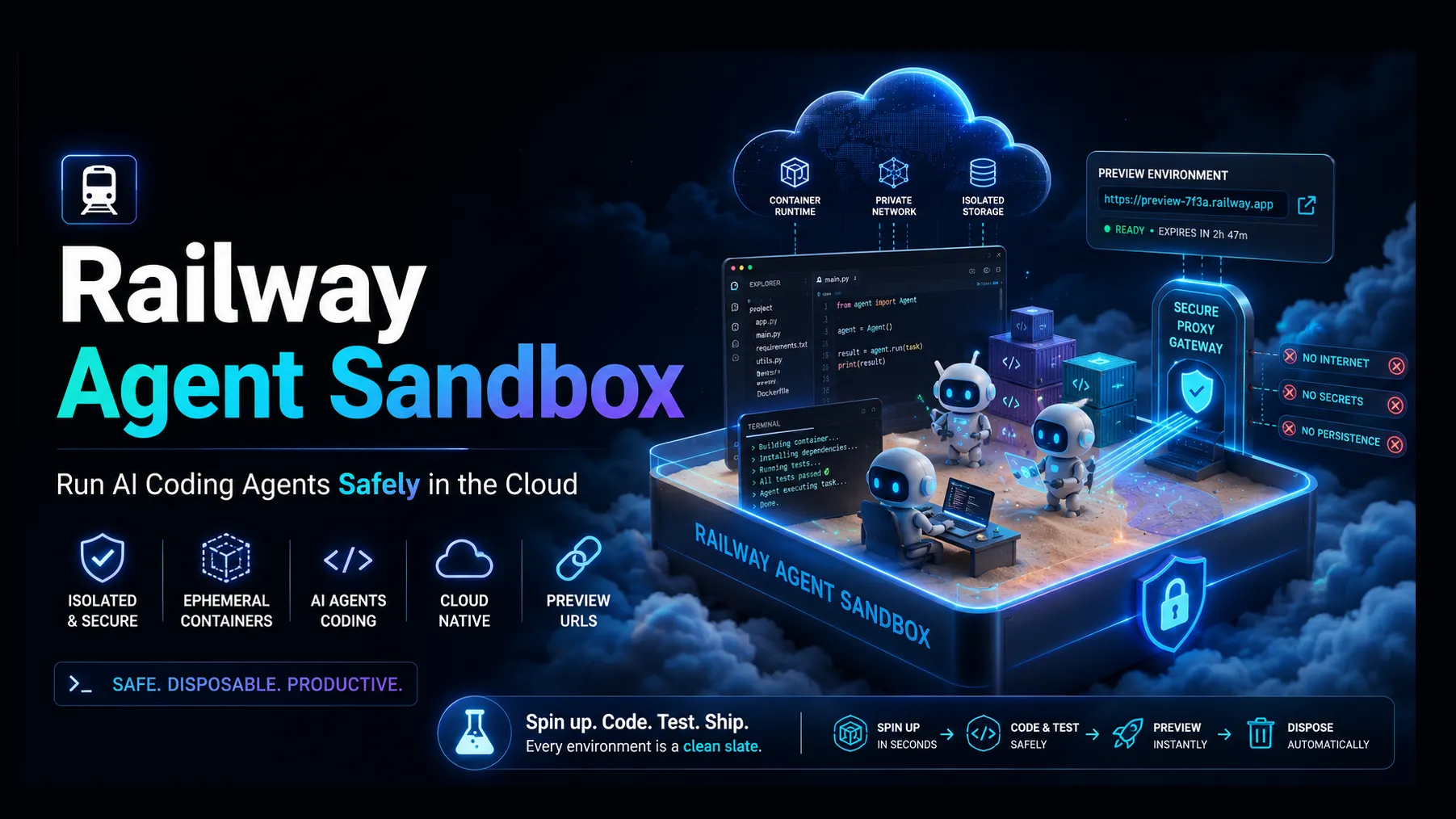
Railway Agent Sandbox: The Practical Guide to Running AI Coding Agents Safely in the Cloud