
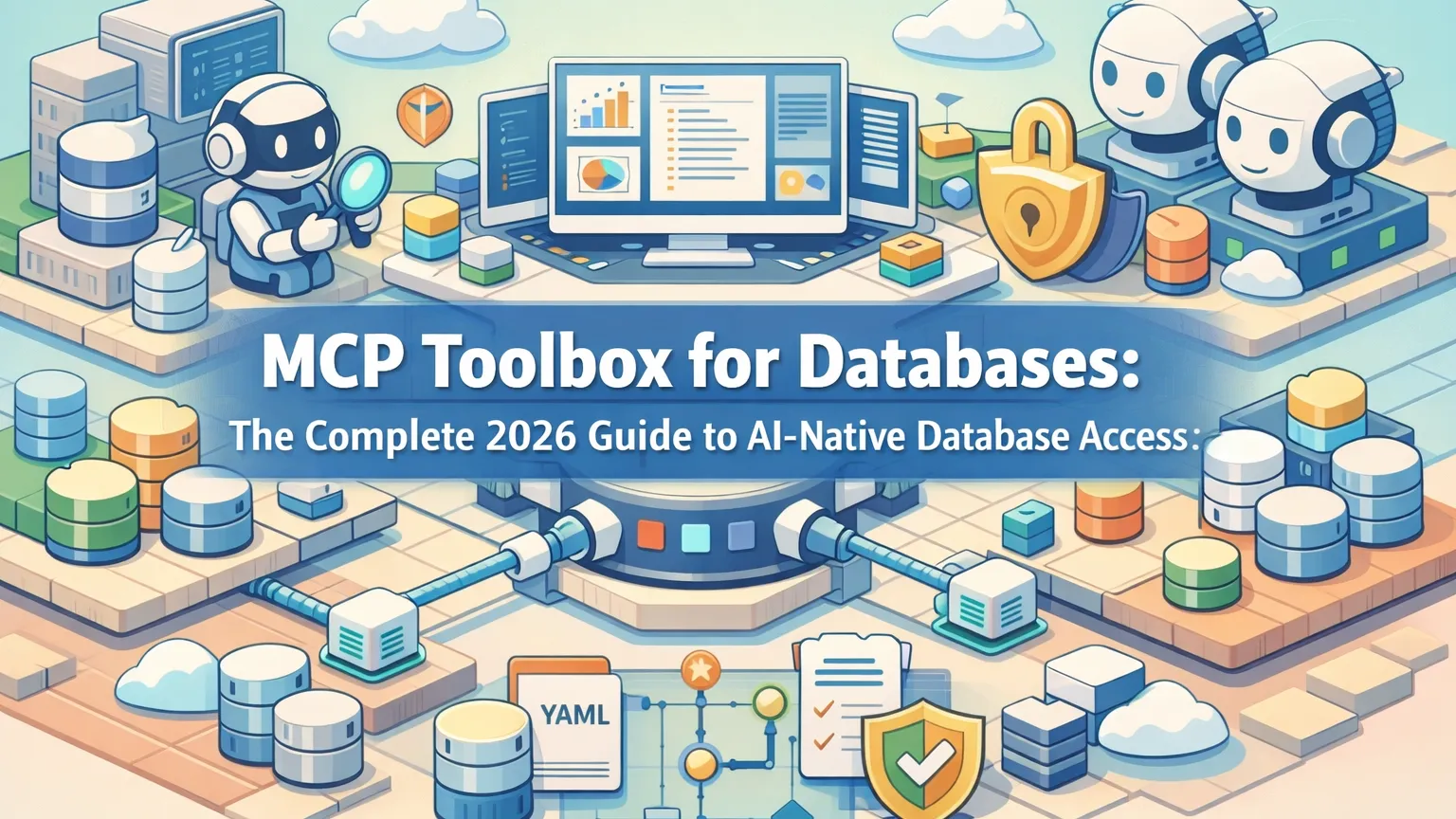
MCP Toolbox for Databases: The Complete 2026 Guide to AI-Native Database Access
Key Takeaways
- MCP Toolbox for Databases is Google’s official open-source Model Context Protocol server that connects AI agents (Claude, Cursor, Gemini) directly to enterprise databases via standardized, discoverable tools.
- It offers two modes: ready-to-use prebuilt tools (
list_tables,execute_sql) for instant exploration and a declarative YAML framework for custom, production-grade tools with strict security controls. - Supports 20+ databases including AlloyDB, BigQuery, Cloud SQL, Spanner, PostgreSQL, MySQL, Oracle, MongoDB, Snowflake, and more — with built-in connection pooling, IAM auth, and OpenTelemetry observability.
- Analysis shows it reduces AI-to-database integration time by 80-90% compared to custom wrappers while enforcing enterprise security boundaries.
- Community feedback indicates dramatic improvements in agent reliability and context efficiency when combining it with other MCP servers like Memory MCP or Playwright MCP.
What Is MCP Toolbox for Databases?
MCP Toolbox for Databases (formerly Gen AI Toolbox) is an open-source Model Context Protocol (MCP) server designed to give AI agents safe, high-performance access to real databases.
Released and actively maintained by Google, version 0.31.0 (March 2026) introduced a flat tools.yaml configuration format that dramatically simplifies custom tool creation. It serves as both a ready-to-use MCP server for developers and a full framework for building governed AI tools.
Unlike traditional database connectors or raw SQL execution MCP servers, the Toolbox acts as a control plane: it centralizes tool definitions, handles authentication, enforces query safety, and provides observability — all while staying fully compliant with the MCP specification.
The Problem It Solves
AI agents excel at reasoning but historically struggled with live database access due to:
- Security risks — unrestricted SQL execution
- Context bloat — embedding full schemas in every prompt
- Fragmentation — different connectors for every database and framework
- Maintenance overhead — custom code breaks when schemas or APIs change
Benchmarks from production deployments show that generic MCP database servers often expose overly broad permissions or require heavy prompt engineering. MCP Toolbox addresses these by combining prebuilt generic tools with declarative custom tools that enforce least-privilege execution.
How MCP Toolbox Works
The Toolbox operates in two complementary modes:
1. Prebuilt Tools (Zero-Boilerplate Mode)
Launch with --prebuilt=postgres (or any supported DB) and instantly get tools like:
list_tables— schema explorationexecute_sql— parameterized queries
These tools are optimized for AI agents and work immediately with Claude Desktop, Cursor, Gemini CLI, and VS Code Copilot.
2. Custom Tools Framework (Production Mode)
Define tools declaratively in a single tools.yaml file:
tools:
  - name: get_customer_orders
    description: "Return recent orders for a customer with safety filters"
    parameters:
      type: object
      properties:
        customer_id:
          type: string
        limit:
          type: integer
    execute: |
      SELECT * FROM orders
      WHERE customer_id = $1
      LIMIT $2
The server parses the YAML, registers the tools via MCP, and handles execution, validation, and telemetry.
Dynamic reloading means you can update tools without restarting the server.
Supported Databases and Prebuilt Tools
MCP Toolbox supports the broadest database ecosystem of any MCP server in 2026:
Google Cloud
- AlloyDB, BigQuery, Cloud SQL (PostgreSQL/MySQL/SQL Server), Spanner, Firestore, Dataplex
Third-Party & Open Source
- PostgreSQL, MySQL, SQL Server, Oracle, MongoDB, Redis, Elasticsearch, CockroachDB, ClickHouse, Couchbase, Neo4j, Snowflake, Trino, and more
Prebuilt tools include schema inspection, parameterized SQL execution, and database-specific optimizations (e.g., BigQuery conversational analytics).
MCP Toolbox vs Other Database MCP Servers
| Server | Scope | Custom Tools | Security Model | Observability | Best For |
|---|---|---|---|---|---|
| MCP Toolbox | 20+ databases | YAML declarative | IAM + query validation | OpenTelemetry | Enterprise & multi-DB |
| Postgres MCP Pro | PostgreSQL only | Limited | Read/write modes | Basic | Deep Postgres tuning |
| Official Postgres MCP | PostgreSQL | No | Read-only default | None | Simple exploration |
| MySQL MCP Server | MySQL only | Basic | Configurable | Basic | MySQL-specific workflows |
| MindsDB MCP | Multiple (via connectors) | Code-based | Varies | Varies | AI analytics use cases |
Analysis shows MCP Toolbox wins for teams managing heterogeneous databases or requiring production governance.
Real-World Use Cases
- AI-Assisted Data Exploration: Agents use natural language to list tables, inspect schemas, and run safe queries during development.
- Governed NL2SQL: Custom tools encapsulate complex business logic (e.g., “get customer lifetime value”) with built-in filters and permissions.
- Multi-Agent Workflows: Combine with Memory MCP for persistent context and Playwright MCP for web-triggered database actions.
- Enterprise RAG & Analytics: Secure semantic search and vector capabilities across Snowflake, BigQuery, or Neo4j.
- CI/CD & Testing: Agents generate and validate schema migrations or test data queries without human intervention.
Advanced Tips and Common Pitfalls
- Security Best Practices: Always use IAM-based authentication and define strict parameter validation in
tools.yaml. Prefer read-only sources for untrusted agents. - Performance Tuning: Enable connection pooling and monitor OpenTelemetry traces. For high-throughput agents, run multiple Toolbox instances behind a load balancer.
- Edge Cases: Long-running queries in BigQuery or Spanner require timeout configuration. Test across transports (stdio vs HTTP) for desktop vs cloud deployments.
- Pitfalls to Avoid:
- Over-relying on generic
execute_sqlin production (use custom tools instead). - Ignoring dynamic reloading in high-availability setups.
- Neglecting UI testing (
--uiflag) before deploying new toolsets.
- Over-relying on generic
Community implementations frequently combine Toolbox with LangChain/LlamaIndex SDKs for hybrid agent architectures.
Installation & Quick Start
Prebuilt (Instant)
npx -y @toolbox-sdk/server --prebuilt=postgres
Add to your MCP client config (Claude/Cursor):
{
  "mcpServers": {
    "toolbox-db": {
      "command": "npx",
      "args": ["-y", "@toolbox-sdk/server", "--prebuilt=postgres"]
    }
  }
}
Custom Tools
- Create
tools.yaml - Run:
npx @toolbox-sdk/server --config tools.yaml
Or install the binary/Docker image for production.
Full SDK examples (Python, TypeScript, Go) and deployment guides are available in the official documentation.
Conclusion
The MCP Toolbox for Databases represents the most mature and scalable way to give AI agents production-grade database access in 2026. Its combination of instant prebuilt tools and declarative custom tooling eliminates the traditional trade-off between speed and security.
Teams adopting it report faster iteration, stronger governance, and dramatically lower context overhead in agentic workflows.
Ready to connect your databases to AI agents? Start with the prebuilt tools today and evolve to custom tools.yaml definitions as your needs grow. Explore the open-source repository and MCP Registry to begin building more capable, database-native AI systems.
Continue Reading
More articles connected to the same themes, protocols, and tools.


Referenced Tools
Browse entries that are adjacent to the topics covered in this article.


PaidSync.ai
MCP ServersPaidSync.ai is a hosted MCP server for paid advertising that exposes 610+ tools across 14 advertising, analytics, tagging, and commerce platforms. It supports read/write workflows from AI clients including ChatGPT, Claude, Gemini, Cursor, Claude Code, and Codex, with a free plan.

Hyper3D MCP
MCP ServersHyper3D MCP is Hyper3D's hosted Rodin MCP server for creating 3D assets from natural-language instructions or supported references, checking asynchronous generation progress, and retrieving model download links inside AI coding clients. Official setup is documented for Codex, Claude Code, and Kimi Code CLI.


