
Ollama 모델 삭제 방법: 완전 단계별 가이드
사전 준비사항
시작하기 전에 다음을 확인하세요:
- Ollama 설치 및 실행됨 — 터미널을 열고
ollama --version을 실행하여 확인하세요. - 터미널 접근 권한 — Terminal(macOS/Linux) 또는 PowerShell/Command Prompt(Windows)를 사용하세요. Windows에서 권한 오류가 보이면 관리자 권한으로 실행하세요.
- 모델 이름 준비됨 — 정확한 이름과 태그(예:
llama3:latest)가 필요합니다. -- 디스크 공간 인식 — 모델은 수 기가바이트일 수 있습니다; 제거하면 명령 실행 완료 후 즉시 저장 공간이 확보됩니다.
Ollama는 기본적으로 모델을 다음 위치에 저장합니다:
- macOS:
~/.ollama/models - Linux:
~/.ollama/models(시스템 설치 시/usr/share/ollama/.ollama/models) - Windows:
C:\Users\사용자이름\.ollama\models
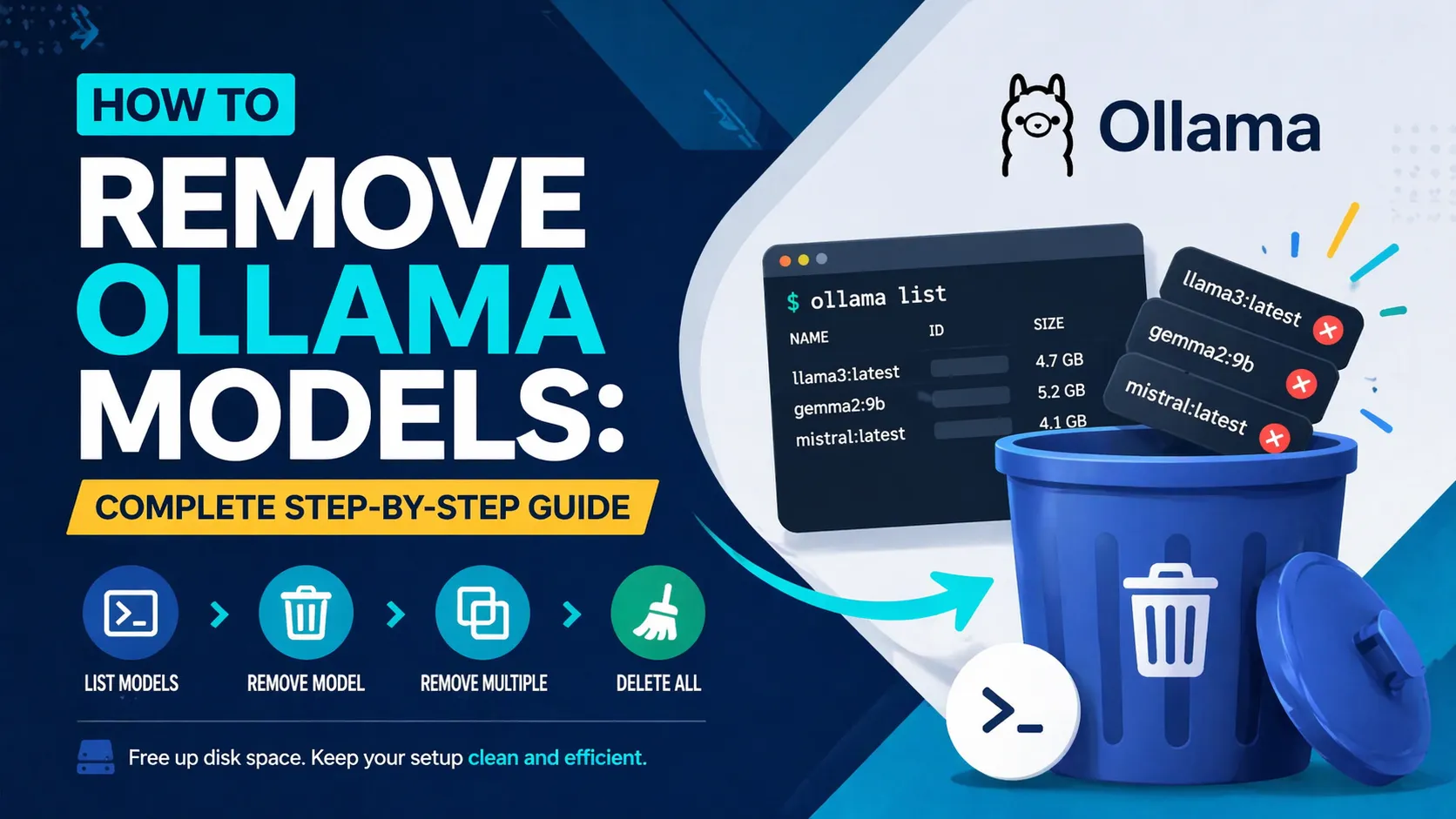
단계 1: 설치된 모든 모델 나열하기
항상 여기서 시작하여 정확히 무엇을 제거하는지 알 수 있도록 하세요.
터미널에서 다음을 실행하세요:
ollama list
예상 출력 (예시):
NAME                ID              SIZE      MODIFIED
llama3:latest       8f6e2a123abc    4.7 GB    3 days ago
gemma2:9b          2d9f3b456def    5.2 GB    1 week ago
NAME 열에서 콜론 뒤의 태그를 포함한 정확한 이름을 복사하세요.
단계 2: 단일 모델 제거하기
모델 이름 뒤에 ollama rm 명령을 사용하세요.
ollama rm llama3:latest
예상 출력:
deleted 'llama3:latest'
이 명령은 매니페스트와 관련된 모든 blob 파일을 즉시 삭제합니다. 확인 메시지는 표시되지 않습니다.
단계 3: 여러 모델을 한 번에 제거하기
한 줄에 여러 모델을 제거하세요:
ollama rm llama3:latest gemma2:9b mistral:latest
예상 출력:
deleted 'llama3:latest'
deleted 'gemma2:9b'
deleted 'mistral:latest'
단계 4: 모든 모델 제거하기 (일괄 삭제)
다음 한 줄 명령어를 사용하여 모든 모델을 한 번에 삭제하세요 (macOS/Linux 먼저):
ollama list | awk 'NR>1 {print $1}' | xargs -I {} ollama rm {}
Windows PowerShell 동등 명령:
ollama list | Select-Object -Skip 1 | ForEach-Object { $_.Trim() -split '\s+' | Select-Object -First 1 } | ForEach-Object { ollama rm $_ }
실행 후 ollama list로 확인하세요 — 헤더 행만 반환되어야 합니다.
단계 5: Ollama 재시작하기 (권장)
Ollama 서비스를 재시작하여 모든 blob이 완전히 정리되고 디스크 공간이 확보되었는지 확인하세요.
- macOS:
ollama serve(또는 Ollama 앱을 종료하고 다시 열기) - Linux:
sudo systemctl restart ollama. - Windows: 작업 관리자에서 Ollama 프로세스를 재시작하거나 단순히 앱을 닫았다 다시 여세요.
모델이 제거되었는지 확인하기 위해 ollama list를 다시 실행하세요.
일반적인 문제 및 해결 방법
- "모델을 찾을 수 없음" 오류:
ollama list에서 정확한 이름과 태그를 다시 확인하세요. - 권한 거부됨: Linux/macOS에서는
sudo ollama rm ...을 사용하고, Windows에서는 터미널을 관리자 권한으로 실행하세요. - 디스크 공간이 확보되지 않음: Ollama를 재시작하세요(5단계). 그래도 안되면 blobs 폴더를 수동으로 확인하되, Ollama가 실행 중일 때는 절대 파일을 삭제하지 마세요.
- 삭제 후에도 모델이 표시됨: 먼저
ollama stop <모델>로 실행 중인 모든 인스턴스를 중지한 후,ollama rm을 다시 시도하세요. - 사용자 지정 저장 위치:
OLLAMA_MODELS환경 변수를 설정한 경우, 모델이 다른 곳에 있습니다 — 해당 경로를 대신 확인하세요. - API 방식 (고급): 스크립트용으로 curl 사용:
curl -X DELETE http://localhost:11434/api/delete -d '{"model": "llama3:latest"}'
다음 단계
- 새 모델 다운로드:
ollama pull llama3.1:8b를 실행하여 최신 버전을 가져오세요.
사용자 지정 저장소 설정: Ollama 실행 전에 OLLAMA_MODELS=/경로/새/폴더를 내보내어 모든 것을 더 큰 드라이브로 이동하세요.
- 정리 자동화: 주간 cron 작업이나 PowerShell 스크립트에 대량 삭제 명령을 추가하세요.
- 사용량 모니터링: 정기적으로
ollama list를 실행하고,du -sh ~/.ollama/models(macOS/Linux) 또는 Windows의 파일 탐색기와 결합하여 저장 공간을 추적하세요.
이제 로컬 Ollama 모델을 완전히 제어할 수 있습니다. 필요한 모델만 유지하며 공간을 즉시 확보하세요.
Continue Reading
More articles connected to the same themes, protocols, and tools.



Referenced Tools
Browse entries that are adjacent to the topics covered in this article.

PaidSync.ai
MCP ServersPaidSync.ai is a hosted MCP server for paid advertising that exposes 610+ tools across 14 advertising, analytics, tagging, and commerce platforms. It supports read/write workflows from AI clients including ChatGPT, Claude, Gemini, Cursor, Claude Code, and Codex, with a free plan.

Hyper3D MCP
MCP ServersHyper3D MCP is Hyper3D's hosted Rodin MCP server for creating 3D assets from natural-language instructions or supported references, checking asynchronous generation progress, and retrieving model download links inside AI coding clients. Official setup is documented for Codex, Claude Code, and Kimi Code CLI.



